Starting the emergency mode
NOTICE

Start emergency mode
- All drive safety functions are deactivated.
- The "Safe Torque Off" (STO) function is enabled and the drive can move independently.
Proceed as follows:
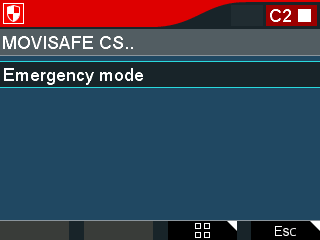
- In the main menu, select the MOVISAFE® CS.. function.
- Select Emergency mode in the following menu.
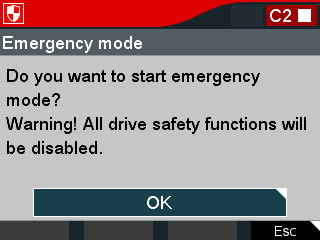
- Confirm the following question with the <OK> key: "Do you want to start emergency mode? WARNING: All drive safety functions will be disabled."
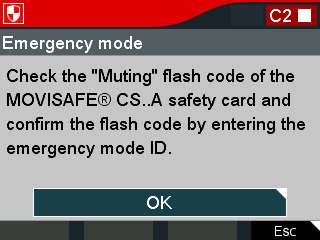
- Check the "Muting" flashing code of the "F-ERR" LED on the MOVISAFE® CS..A safety option and confirm this with the <OK> key.
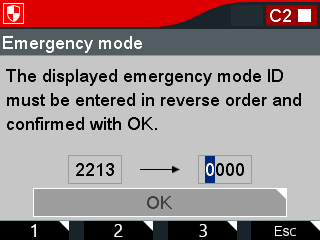
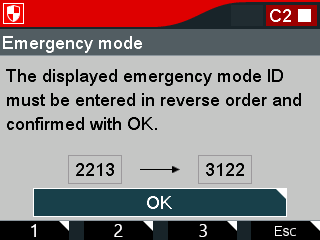
- On the right, enter the number displayed on the left in reverse order using the function keys <1>, <2>, and <3>.
- To start emergency mode, press the <OK> key.
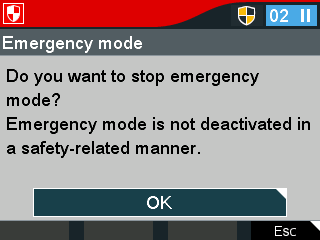
- To stop emergency mode again, press the <OK> key in the next menu.
- To return to the main menu, press the <Esc> function key to use manual mode, for example.