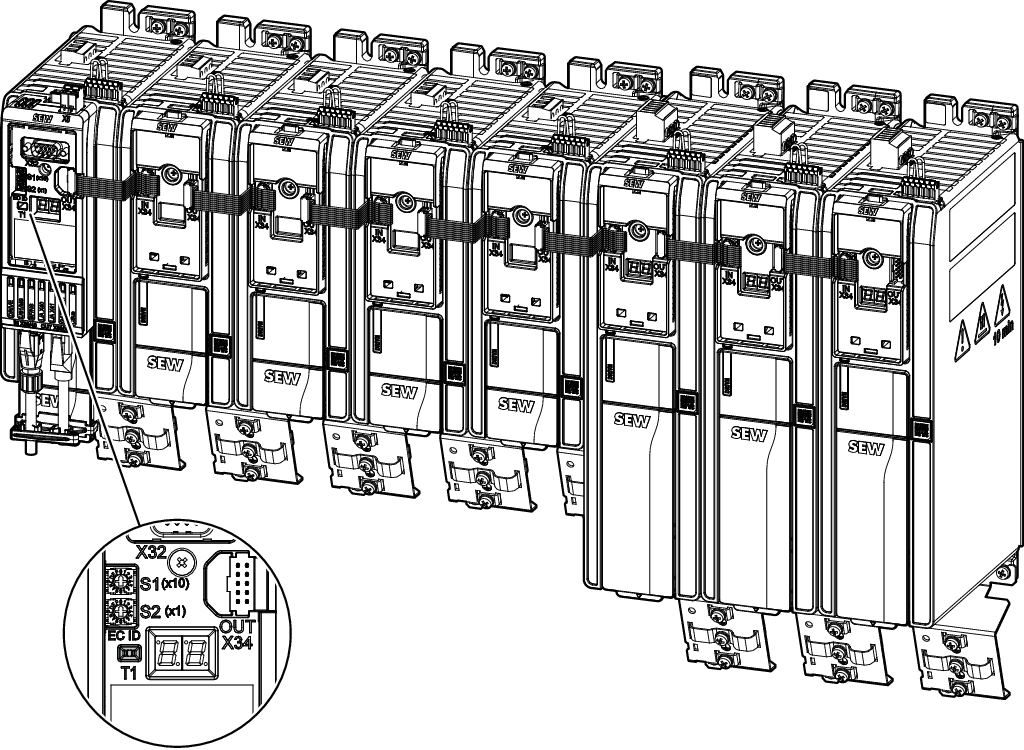
Automatic configuration after delivery
Only right after delivery, the inverter is in "brand new" state and offers the option of automated startup. This state cannot be restored at a later time.
Before the inverter is switched on and supplied with voltage, first install all options that are required for later operation in order to perform the automated startup.
When the inverter is switched on for the first time, it detects once whether options such as gateways or communication modules are plugged in or not and accordingly loads various data sets in the inverter.
- If no options are mounted on the inverter, the data set for terminal mode (digital and analog control via terminals) is loaded automatically. The digital inputs and all other terminals are pre-assigned, see chapter Automatic configuration for terminal mode.
- If options are mounted on the inverter, the data set for fieldbus operation/bus operation is loaded automatically. The digital inputs as well as all other terminals and the bus connection are pre-assigned, see chapter Automatic configuration for gateway operation.
- If the optional configuration (with or without gateway or communication module) of a device is subsequently changed, the inverter no longer automatically loads the data set provided for this purpose. To enable subsequent changes, you must select the "Delivery state fieldbus device" or "Delivery state binary device" setting in the basic settings. The inverter manually loads the corresponding data set, see chapter Automatic configuration for terminal mode or chapter Automatic configuration for gateway operation.
Additional information