Configuring control words
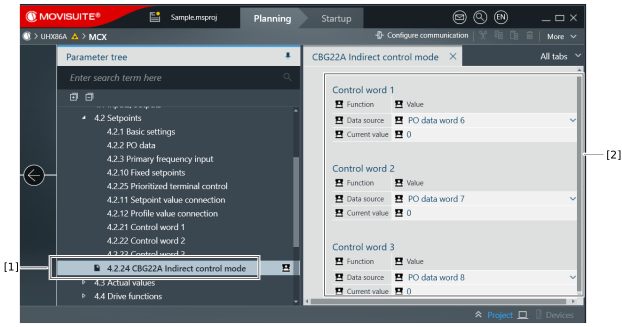
Configure the control words as follows:
- An engineering connection to the inverter has been established.
- The inverter has been started up successfully.
- Start MOVISUITE®.
- Switch to Advanced mode.
- In the parameter tree of the inverter, select Functions > Setpoints > CBG22A Indirect control mode.
- Assign the required process output data words [2] of the inverter to control words 1 to 3 of the indirect control mode.