Input of stiffness and zero clearance
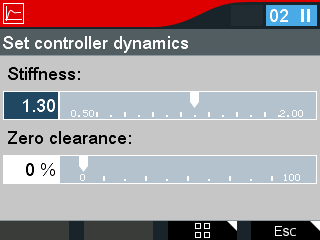

Proceed as follows:
- Select Drive train optimization > Controller dynamics > Input in the menu.
- Select the stiffness scale and press the <OK> key. Set the desired value using the <right/left> arrow keys. Alternatively, you can also enter the value as a number.
- Press the <OK> key.
- Select the zero clearance scale and press the <OK> key. Set the desired value using the right/left arrow keys. Alternatively, you can also enter the value as a number.
- Press the <OK> key.
- To exit the menu, press the <Esc> key.
- You have set the controller dynamics.
