Applying inverter to MOVISUITE®
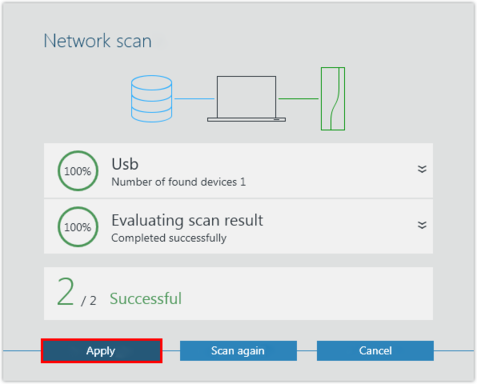
The MOVIDRIVE® technology application inverter is detected during the network scan.
Proceed as follows:
- You have started a network scan.
- Apply the scanned device to MOVISUITE®.
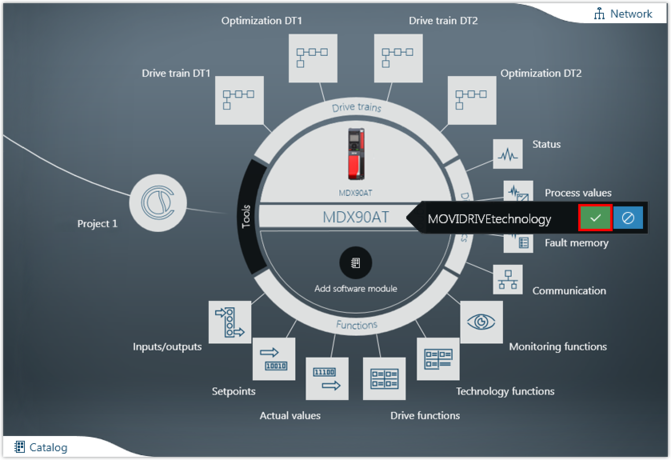
- If necessary, load the device data into the MOVISUITE® project. Confirm the message stating that the device data has been successfully transferred.
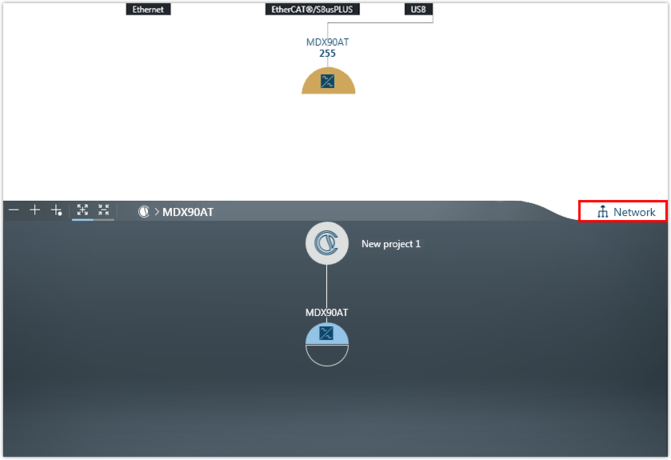
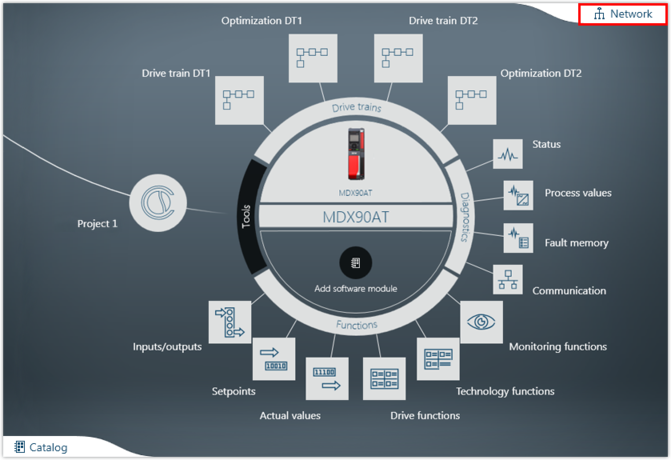
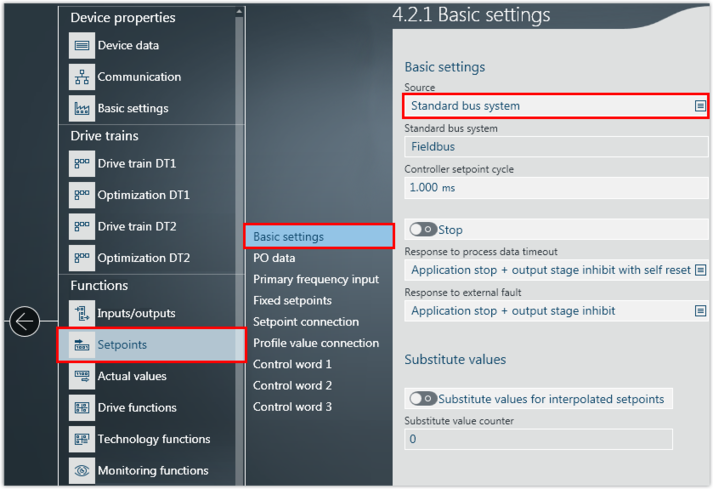
- The device is displayed in one of the MOVISUITE® views. The display depends on the view you used when closing MOVISUITE® for the last time:
- The combined network and function view shows all connected devices detected during the network scan.
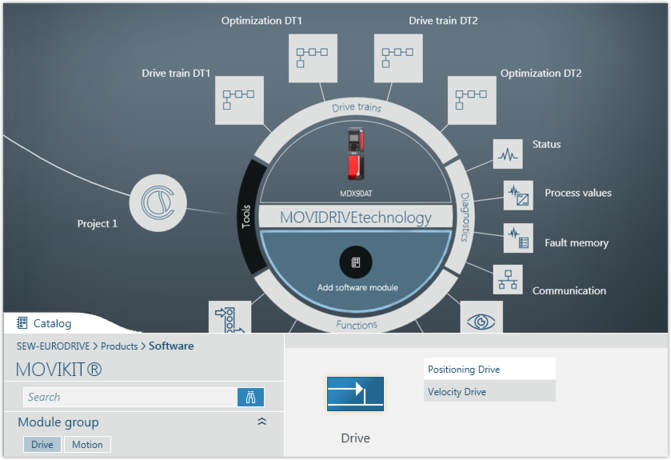
- The function view has 2 views. The tree view provides an overview of the entire project. The circle view shows the current node as a large circle in the center of the workspace.
- To toggle between the MOVISUITE® views, click the "Network" tab.