Testing the EtherNet/IP™ scanner
Proceed as follows: Make sure that all EtherNet/IP™ devices are correctly connected (cabled) and switched on.
- Compile the project and make sure that there are no active errors.
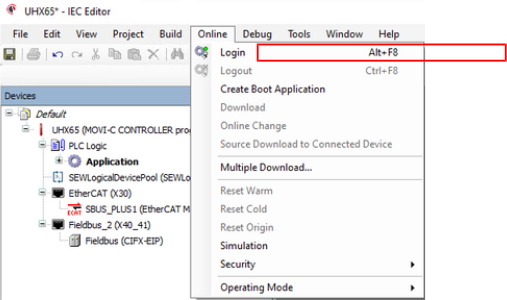
- Log in. To do so, select the menu command [Online] > [Log in] or press the <ALT> + <F8> keys.
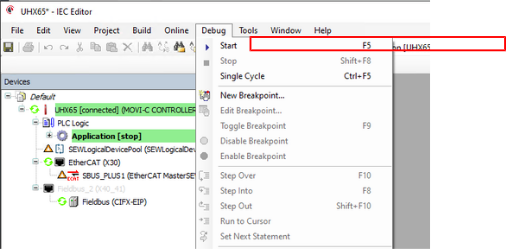
- Start the controller. To do so, select the menu command [Debug] > [Start] or press the <F5> key.
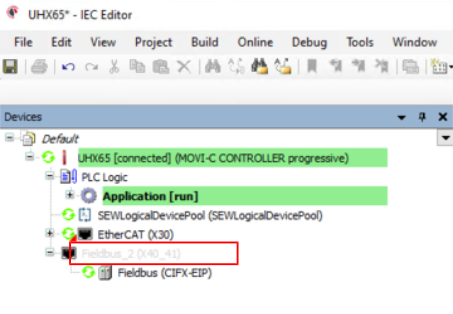
- The IEC project should now be active. If the EtherNet/IP™ scanner symbol is green, the network is ready for operation.
INFORMATION