MOVIMOT® manual operation with MOVITOOLS® MotionStudio
MOVIMOT® drives are equipped with an X50 diagnostics interface for startup and service. This enables diagnostics, manual mode and parameterization.
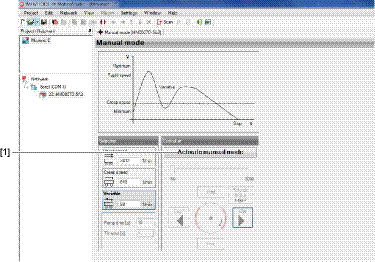
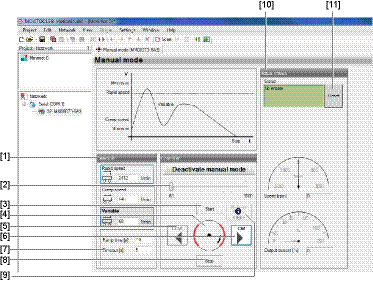
For manual operation of the MOVIMOT® drive, you can use the manual mode function of the MOVITOOLS® MotionStudio software.
- Firstly connect the PC/laptop to the MOVIMOT® inverter.
- See chapter PC/laptop connection.
- Start the software MOVITOOLS® MotionStudio and integrate the MOVIMOT® inverter in MOVITOOLS® MotionStudio.
- See chapter MOVITOOLS® MotionStudio.
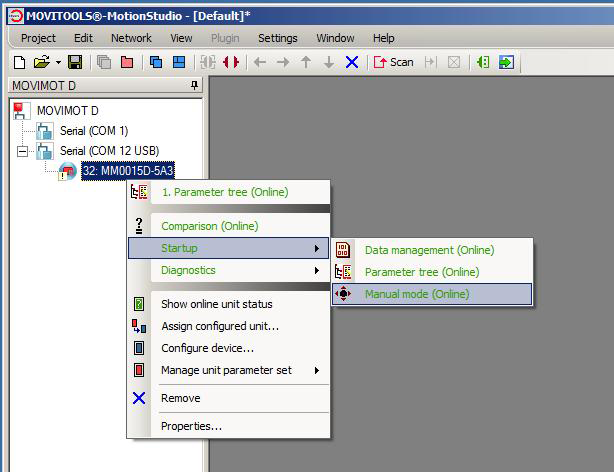
- Once the MOVIMOT® inverter is successfully integrated, open the context menu by clicking on the right mouse button and select the menu item "Startup" > "Manual mode".

Additional information