Changing the operating mode
Proceed as follows:
- To change the operating mode, press the 3rd function key.
- Select the operating mode.
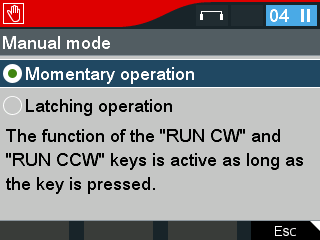

- During momentary operation, the drive moves as long as the <RUN CCW> or <RUN CW> key is pressed.
- During latching operation, the drive starts and moves until the <RUN CCW> or <RUN CW> key is pressed again or the <Stop> key is pressed.
