Device list
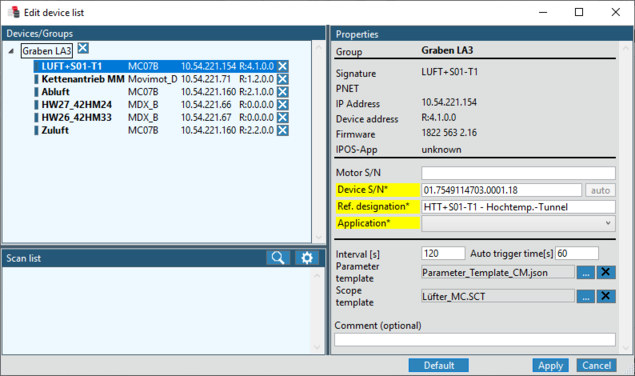
Devices are configured via the "Device list" menu on the Start screen of the DriveRadar® DataCollector.
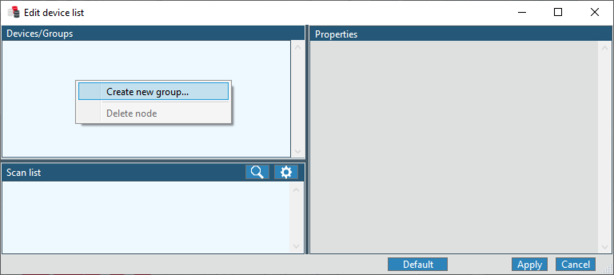
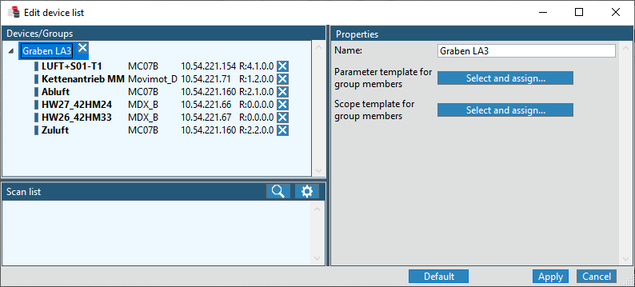
- For configuring new devices and device groups, click [Edit] in the "Device list" menu on the start screen.
- The Configuration editor opens.
Additional information