Creating a visualization project
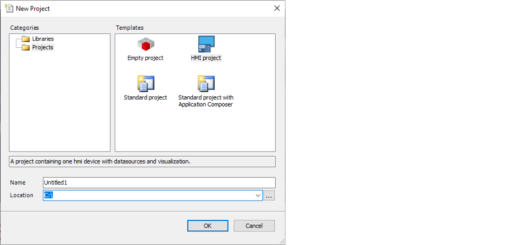
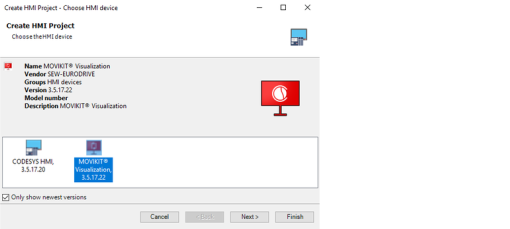
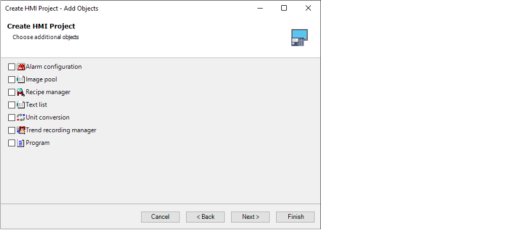
The following subchapters describe how to create the visualization project and configure the communication between the IEC project and the visualization project.
The following methods are available for exchanging variable information:
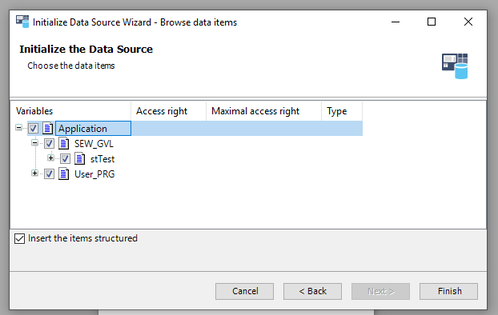
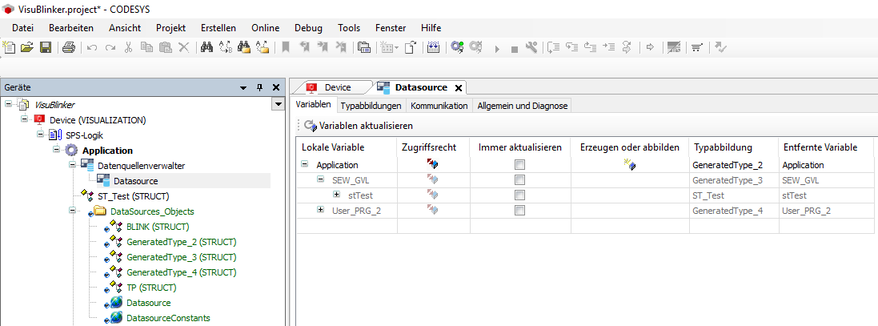
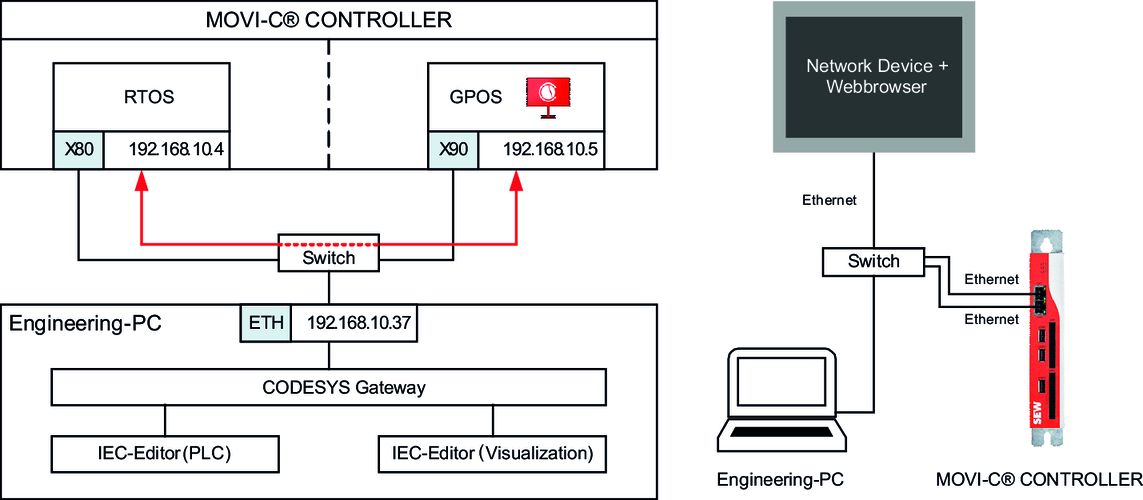
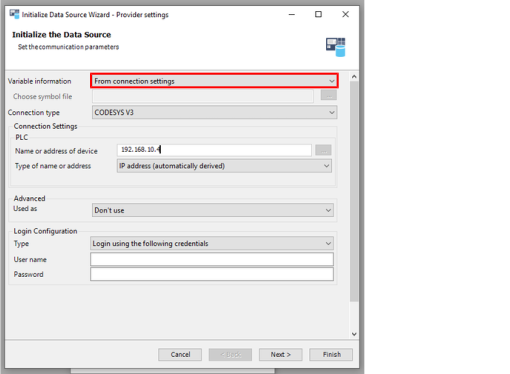
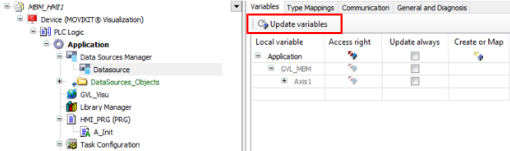
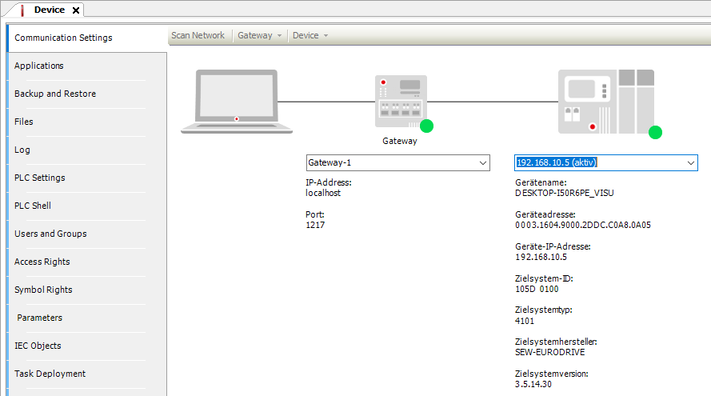
- System-side readout of the communication settings of the IEC project (recommended). To do this, use the "From communication settings" option when configuring the data source. This method requires an active connection between the engineering PC and the controller part of the MOVI-C® CONTROLLER. For further information about this method, refer to chapter Visualization available on the network.
- INFORMATION: Please note that, with this method, no 1:1 image is transferred, but all structures and variables in the visualization project are created generically (identifier: GeneratedType_###).
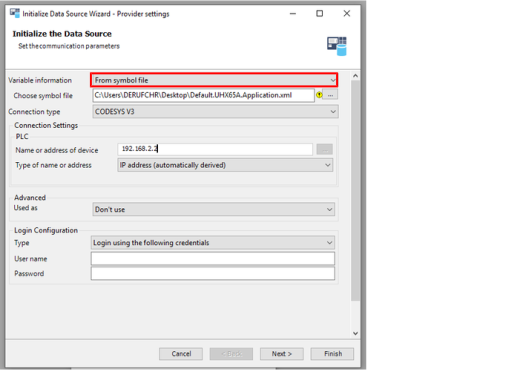
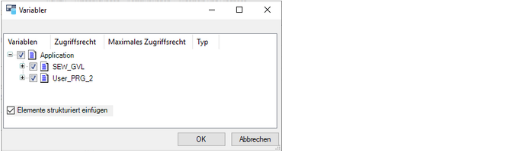
- Importing an exported symbol file of the IEC project into the visualization project. To do this, use the "From symbol file" option when configuring the data source. The symbol file contains the selected variables and structures at the time of creation and export. Changes to the variables in the IEC project are not automatically updated in the symbol file. For further information about this method, refer to chapters Stand-alone visualization and Exporting the symbol configuration.
INFORMATION

Irrespective of the data source configuration, the variables available in the visualization project correspond to the variables that were published or selected in the symbol configuration on the controller part of the MOVI-C® CONTROLLER.
Additional information