Including the application inverter in MOVISUITE®
Proceed as follows:
- Go to MOVISUITE®.
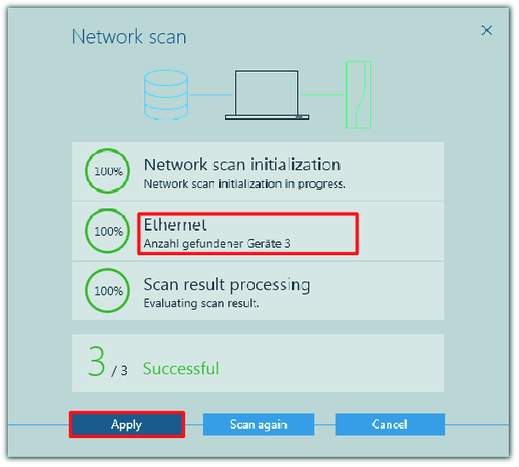
- Perform a network scan again.
- Now not only the MOVI‑C® CONTROLLER is scanned but also the application inverters you have added in the IEC Editor.
- Click "Apply" to include the scanned devices in your MOVISUITE® project.
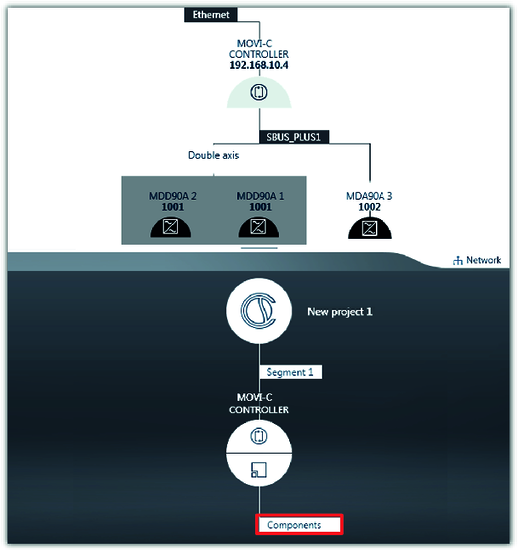
- The devices are displayed in the network view.
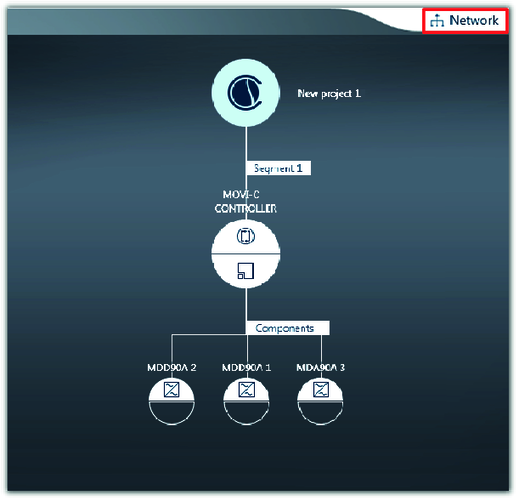
- To include the application inverters in the MOVISUITE® project, move them individually from the network view on "Components" using drag and drop.
- To go to the function view of MOVISUITE®, click the "Network" tab.
- Tree navigation is displayed.
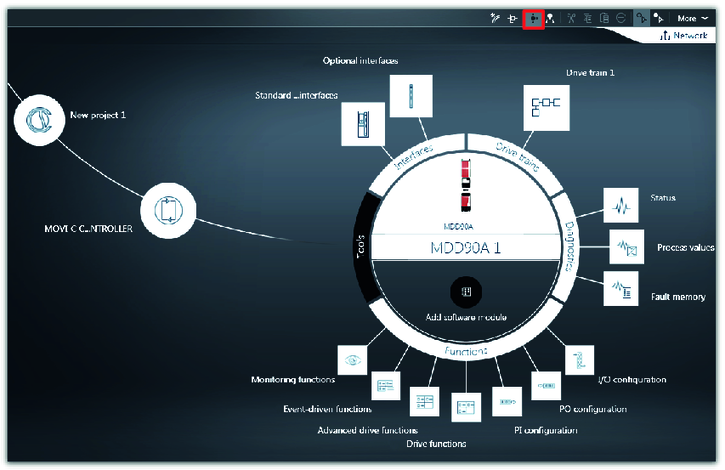
- Switch to circle navigation and configure the individual devices as required for your application.