Home
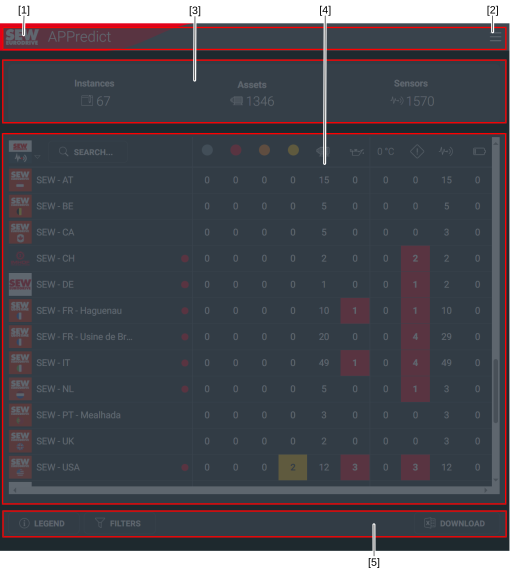
Home page of the web app.
Open the home page by clicking the Home menu item or the SEW‑EURODRIVE Logo in the upper left corner of the screen.
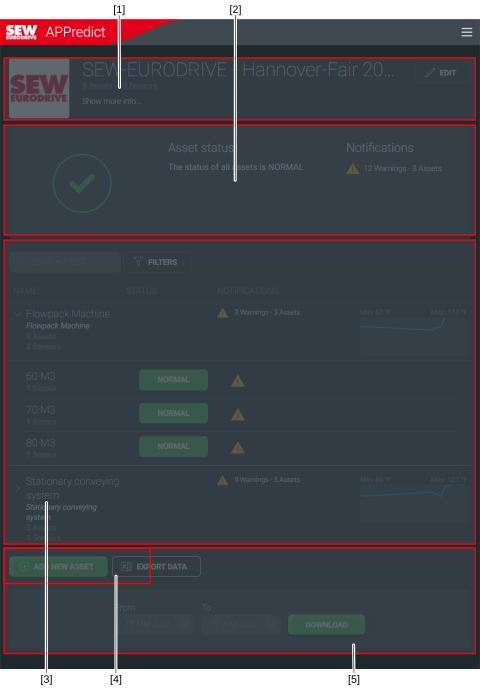
Depending on the permissions you were assigned, your home page shows either Instance management or the Instance details view. For more information on permissions, refer to chapter Roles concept and authorization concept.
Additional information