User interface
The software's user interface is intuitive and offers a structured overview of all instances, assets, and sensor data. You can quickly navigate between different views to monitor operating states and evaluate data, as well as for administrative tasks. The following sections describe the views and functions in detail.
The home page corresponds to the page that you can access via the Home menu item or by clicking on the SEW-EURODRIVE Logo in the upper left corner of the screen.
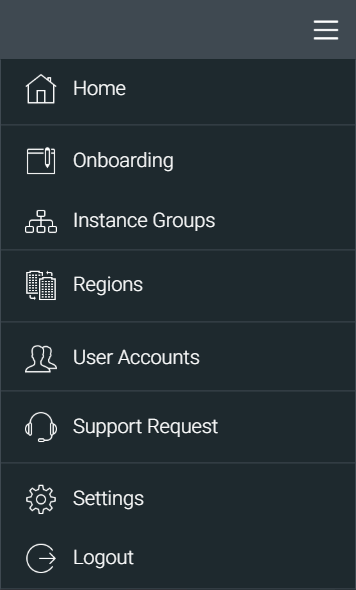
The chapter is structured based on the menu items of the drop-down menu in the upper right corner of the user interface (see screenshot). Depending on the permissions you were assigned, not all menu items are displayed. For more information on permissions, refer to chapter Roles concept and authorization concept.