Connection to X4224 (M12 at the electronics cover)
The following illustration shows how to connect the PC to the device:
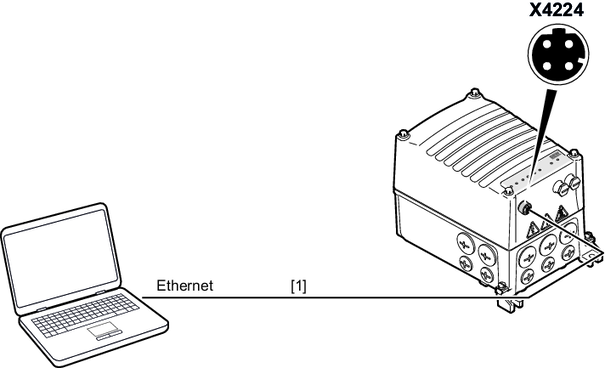

[1] | Ethernet connection cable RJ45/M12 (commercial) With M12 plug connector, 4‑pin, male, D‑coded |
INFORMATION

The following illustration shows how to connect the PC to the device:
[1] | Ethernet connection cable RJ45/M12 (commercial) With M12 plug connector, 4‑pin, male, D‑coded |
