Configuring the inverter
Proceed as follows to configure all inverters connected to the gateway:
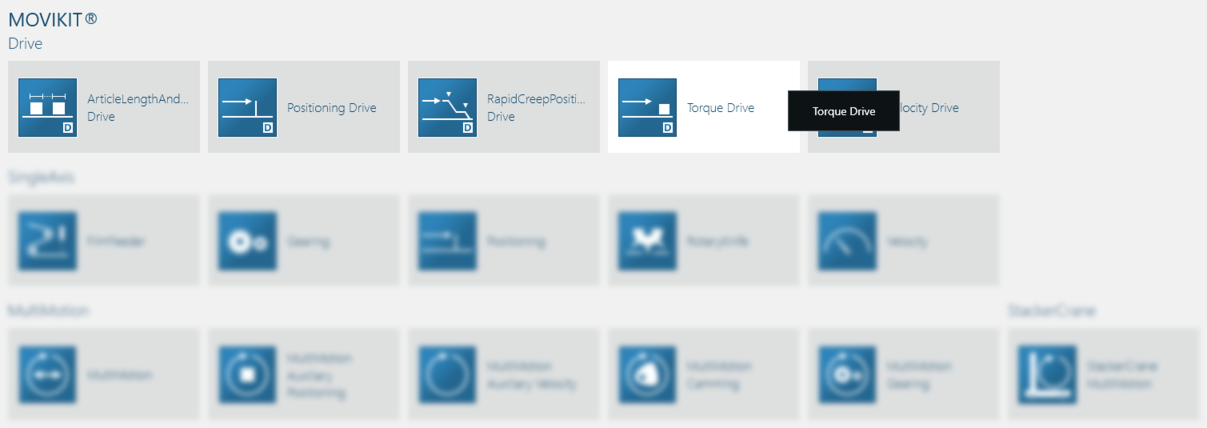
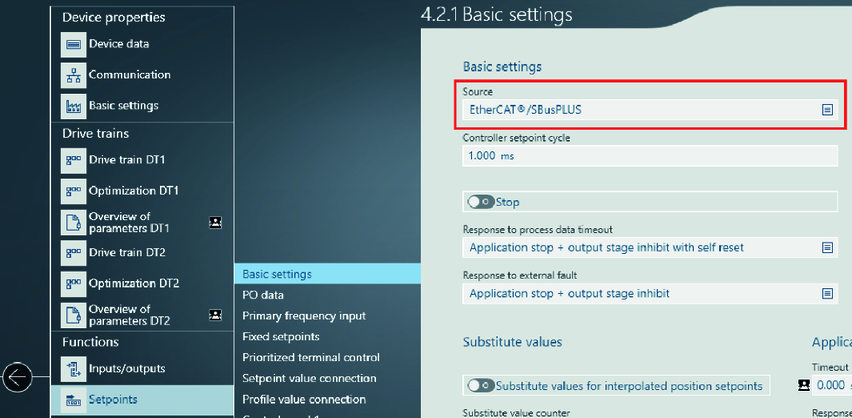
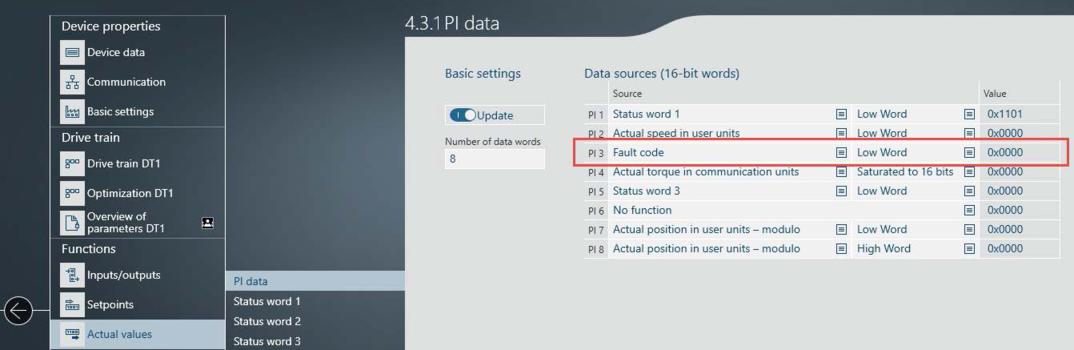
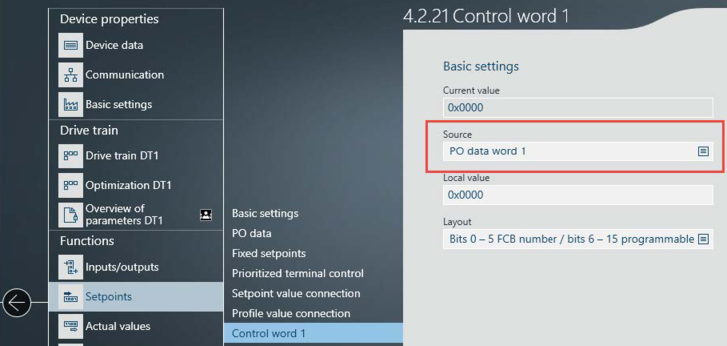
- For startup, use a standardized MOVIKIT® software module of the "Drive" category or an individual parameter setting of the process data interface .
- Connect your engineering PC to the X80 Ethernet interface of the controller. In delivery state, the engineering interface X80 of the controller has the following IP address parameters: IP address: 192.168.10.4, subnet mask: 255.255.255.0.
- Adapt an Ethernet interface of your PC to the IP address of the engineering interface of the controller, e.g. 192.168.10.5.
- Open a new project in the MOVISUITE® engineering project.
- Select the "Ethernet" network type and perform a network scan.
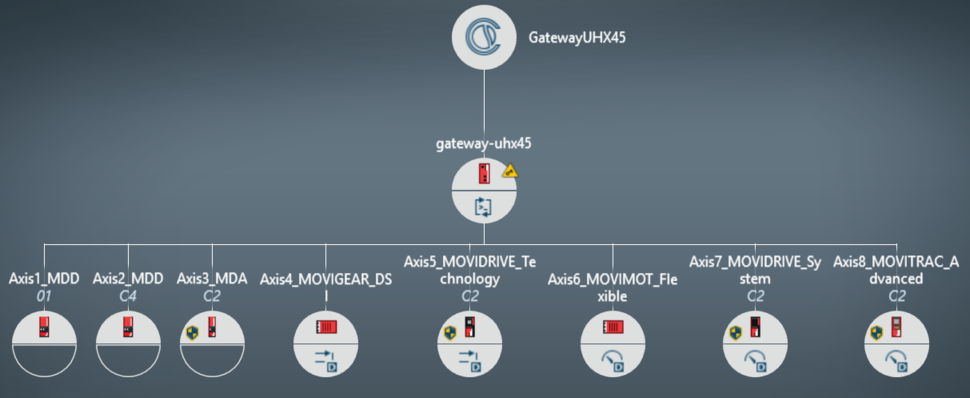
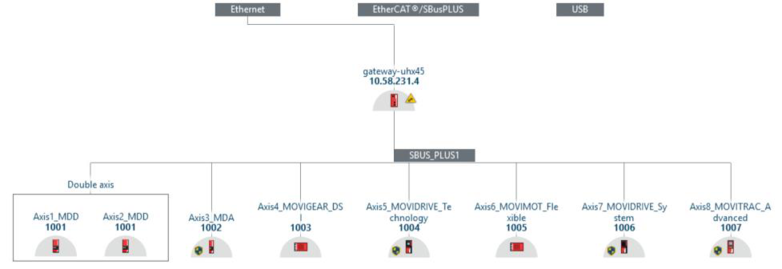
- The following device topology is shown in the sample project.

INFORMATION

In this example, the "Gateway Solution" application was also tested with the MOVIDRIVE® modular inverter MDA single-axis module and MDD double-axis module. This is not the normal case and requires suitable parameterization of the drive.
Additional information