Configuring the inverter with a MOVIKIT® software module of the "Drive" category
Proceed as follows:
- The process data interface to the controller is set and activated automatically.
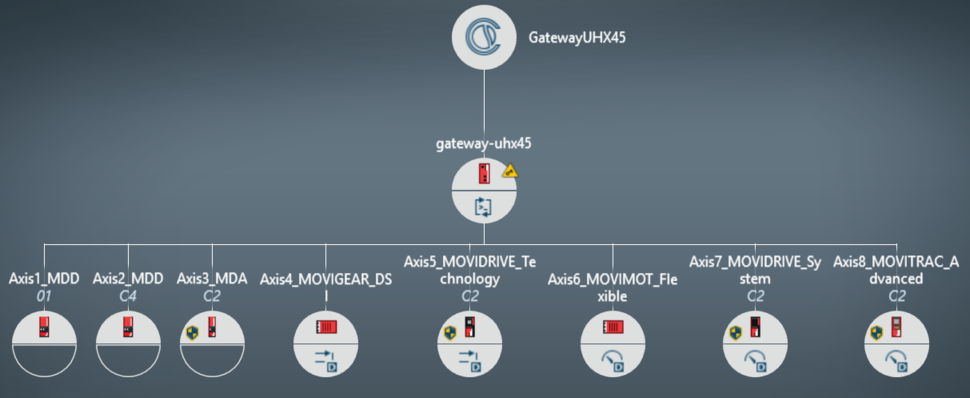
- Right-click the corresponding inverter and select [Add from catalog] from the menu.
- To use the MOVIKIT® software modules, the inverters must be activated for the respective assigned application level:
- MOVIKIT® Velocity Drive = 0
- MOVIKIT® Positioning Drive = 1
- MOVIKIT® RapidCreepPositioning Drive = 1
- MOVIKIT® Custom Drive = 2
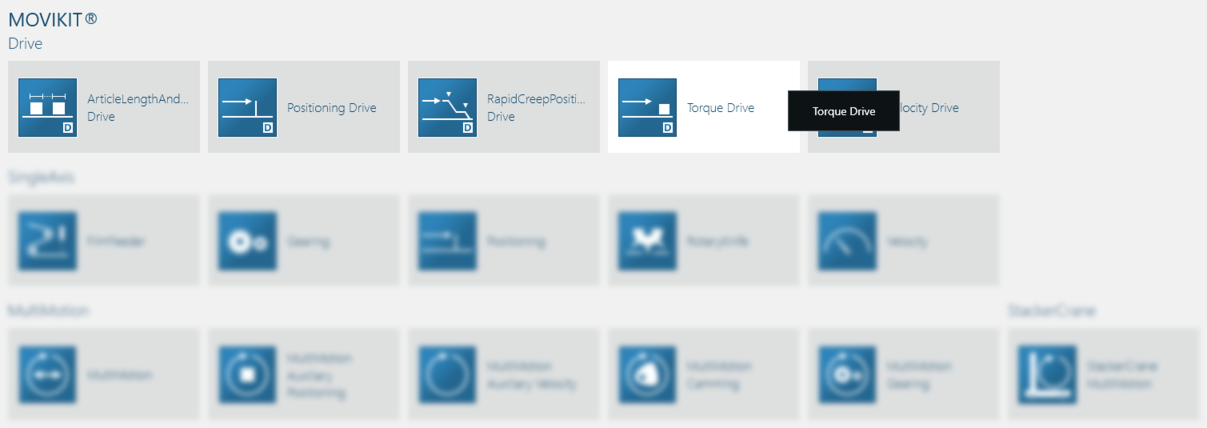
- Select the appropriate MOVIKIT® software module of the "Drive" category.
- MOVIKIT® software modules of other categories cannot be operated with the "Gateway Solution" application.
- The following window is displayed in the sample project.
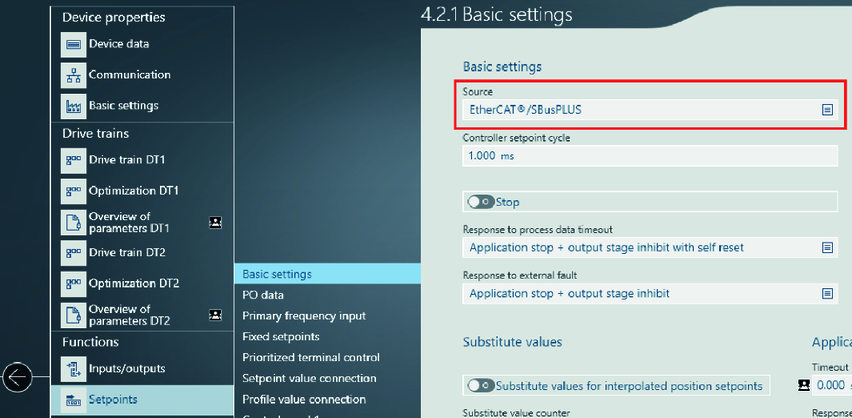
- Under [Setpoints] > [Basic settings], check for each inverter whether the value "EtherCAT®/SBusPLUS" is set as the "Source". For MOVIMOT®, MOVIGEAR® of the DSI communication class or MOVITRAC®, the value "Standard fieldbus system" must be set as the "Source". The value "EtherCAT®/SBusPLUS" then appears under "Standard fieldbus system".