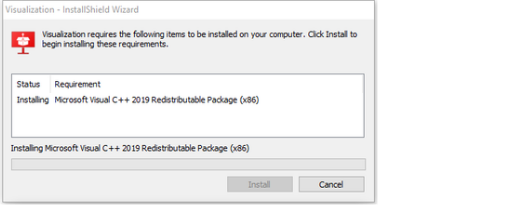
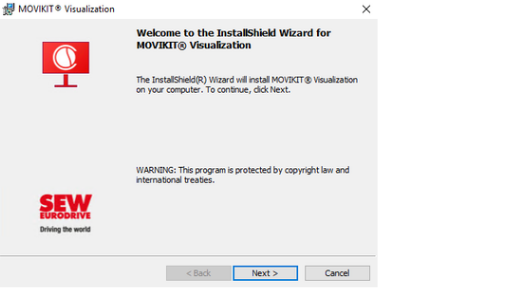
Installing Visualization
INFORMATION

Depending on which license you have purchased, the Visualization can be installed on the Windows part of the MOVI-C® CONTROLLER (basic) or on any Windows device (flexible, multi). This document describes how to install the Visualization on the Windows part of the MOVI-C® CONTROLLER. Installation on other Windows devices only differs slightly from the procedure described here. Instructions concerning licensing of the visualization on an "external" Windows device can be found in chapter HWID licensing.
The Visualization can be installed on the Windows part of the MOVI-C® CONTROLLER either via Remote Desktop access (recommended) or via local access (installation using a USB flash drive or the CFast memory card).
Additional information