Creating a system topology
You can configure the system topology in various different ways. The offline configuration is described below.
- To create the system topology, open the "Topology view" tab.
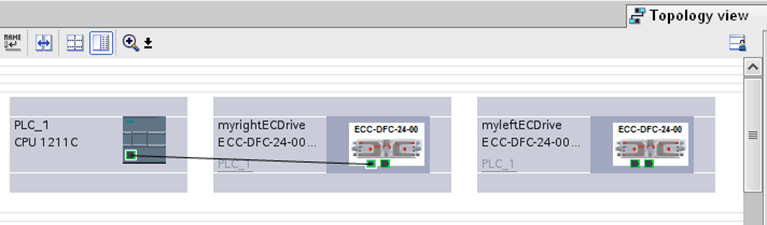

- Connect the ports by dragging and dropping and then transfer the configuration to the PLC.
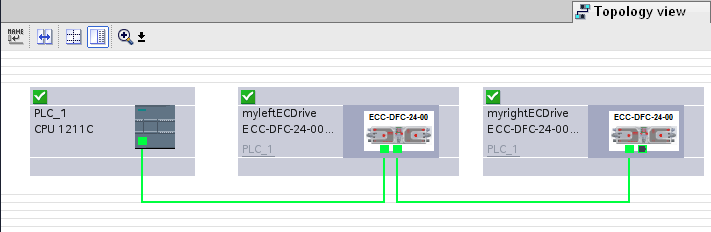
- To check that the configured system topology matches the online topology, switch to the online view.
- Green: The system topology matches.
- Red: The system topology does not match.
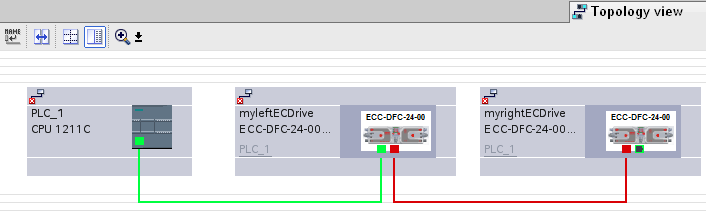
Faults detected in the system topology are reported during the diagnostics of the PLC and are stored in the diagnostic buffer.
