Installing the hardware binding file on the visualization device
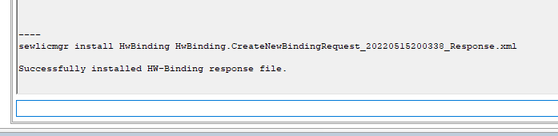
- Switch to the "PLC Shell" tab and run the following command to install the hardware binding file. When doing this, replace
*.xml with the file name of the hardware binding file.
sewlicmgr install HwBinding *.xml
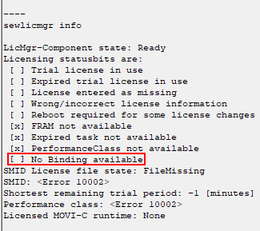
- Run the following command to check the hardware binding:
sewlicmgr info
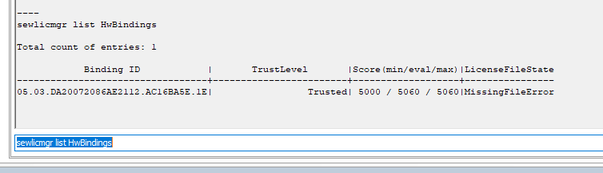
- Run the following command to display a detailed list of the existing hardware bindings (SMID /HWID):
sewlicmgr list HwBindings
- Copy the HWID specified under "Binding ID".