Activating a software license on a MOVI‑C® CONTROLLER
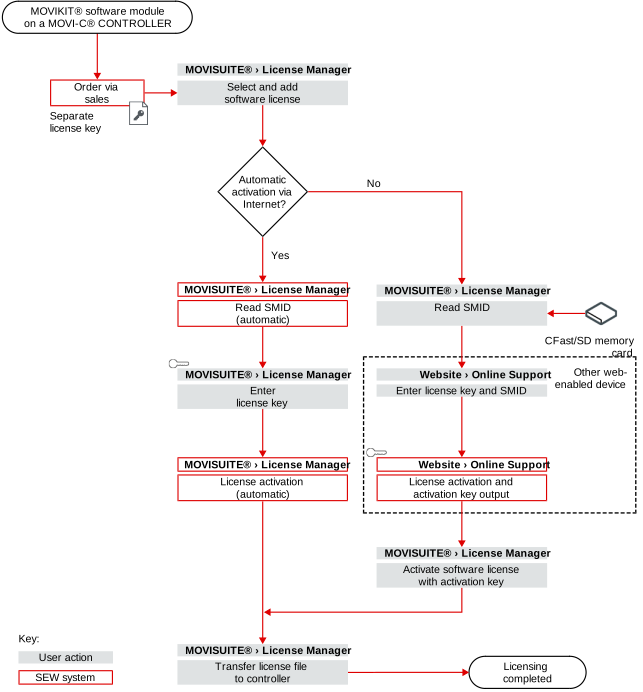
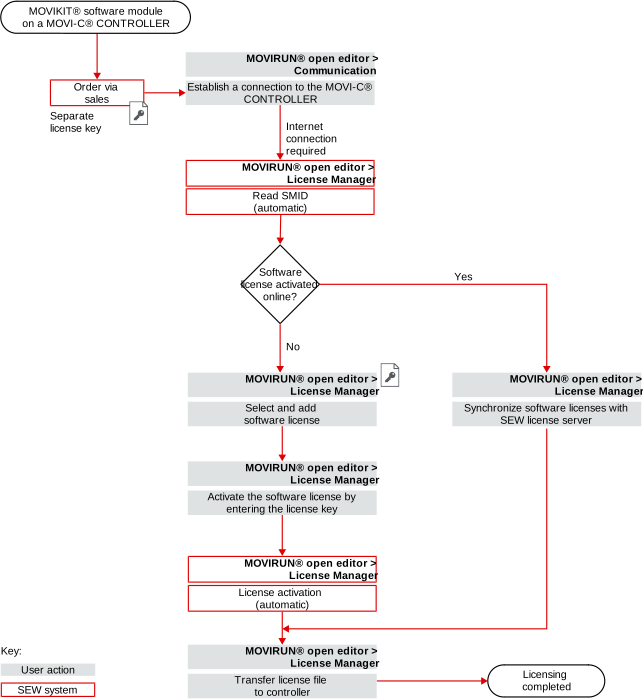
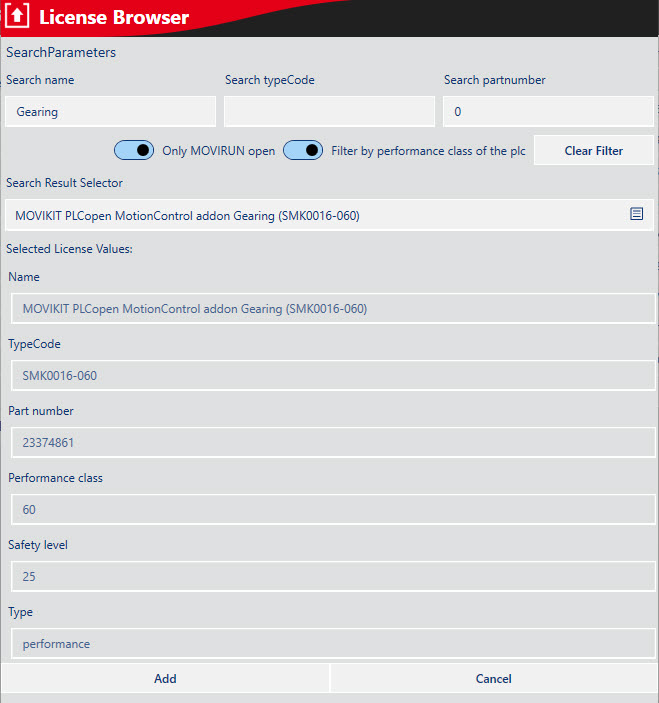
When you purchase a single software license for a MOVIKIT® software module, you are provided with a license key. To begin with, the license key is not linked to a specific hardware component.
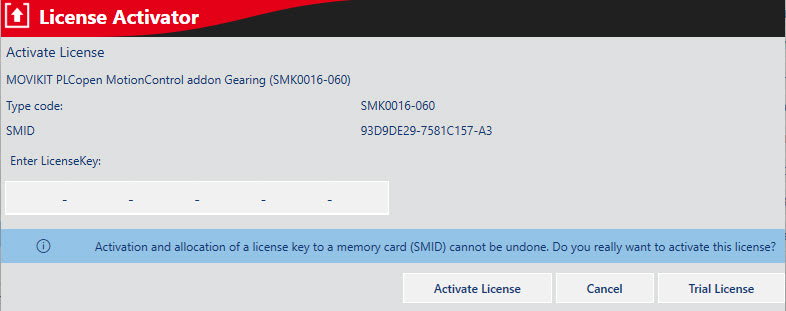
The license key is linked to a hardware component when the software license is activated.
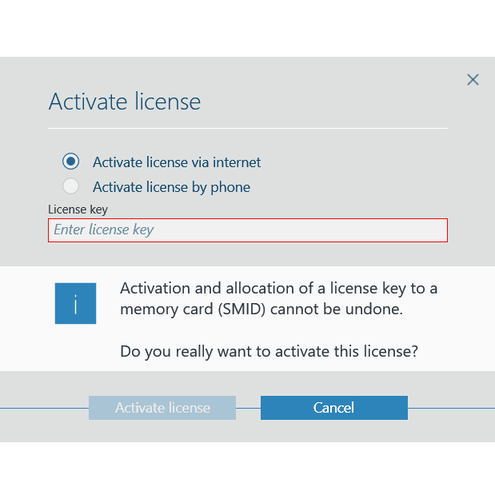
Once a software license has been activated, it is bound to the hardware used. It is not possible to change this binding or undo it. Therefore, make sure to use the right activation method. For further information, refer to chapter Assignment to the target system.
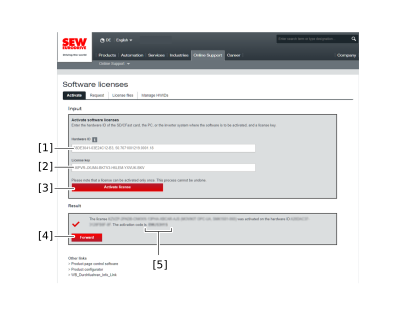
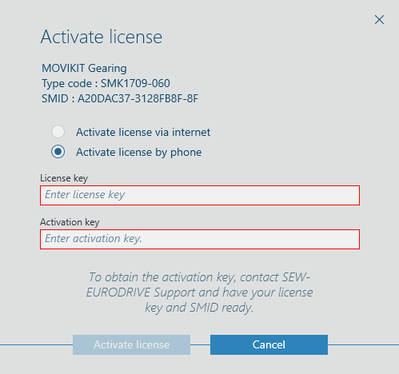
When a software license is activated, an activation key is generated from the license key and the SMID. If the engineering PC is connected to the Internet, you can simply enter the license key. If there is no Internet connection, you will have to enter the license key and the associated activation key.
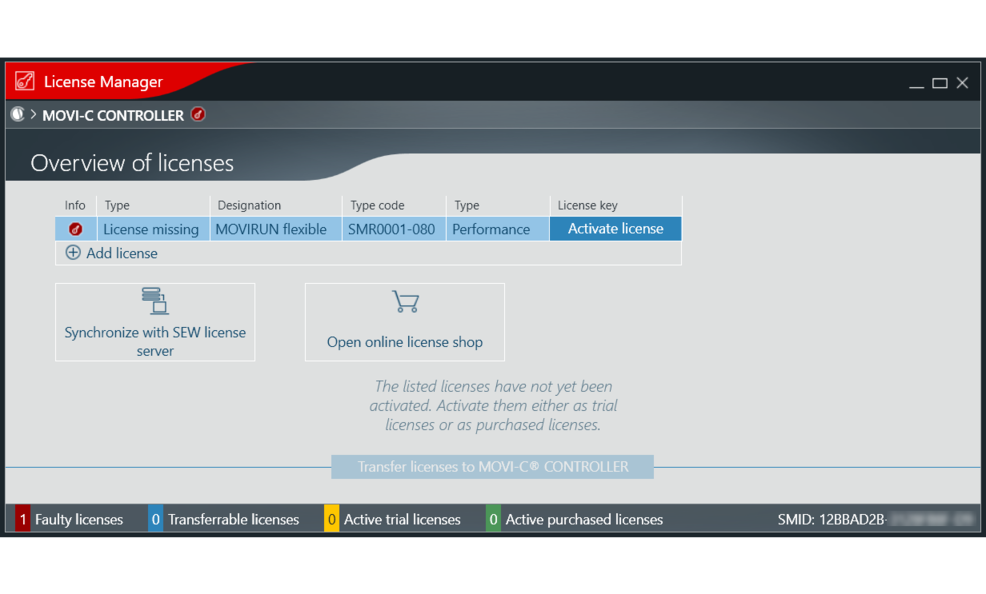
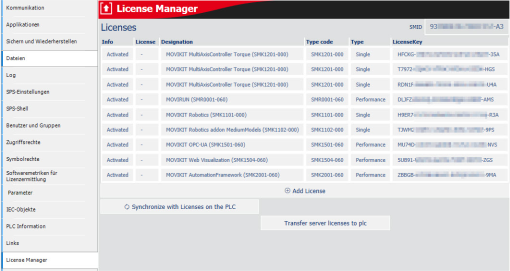
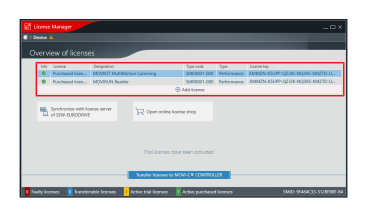
The software licenses which have been activated for the hardware are then transferred to the memory card in the form of a license file.
The software license on the memory card is only valid and available on the memory card after successful activation and transfer to the MOVI‑C® CONTROLLER.