Use case: OPC UA server with additional user management
Set up your user and password in addition to using the certificates.
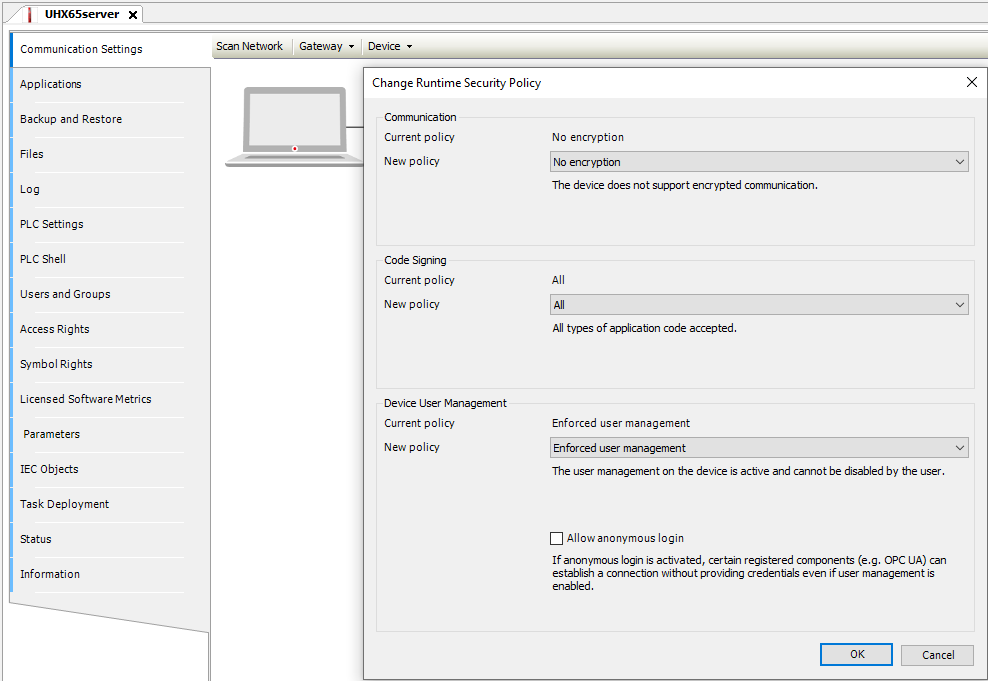
- To do so, set the following settings in the Device pull-down menu:
- Open the Change Runtime Security Policy dialog.
- Select New policy = Enforced user management and Allow anonymous login in the settings.

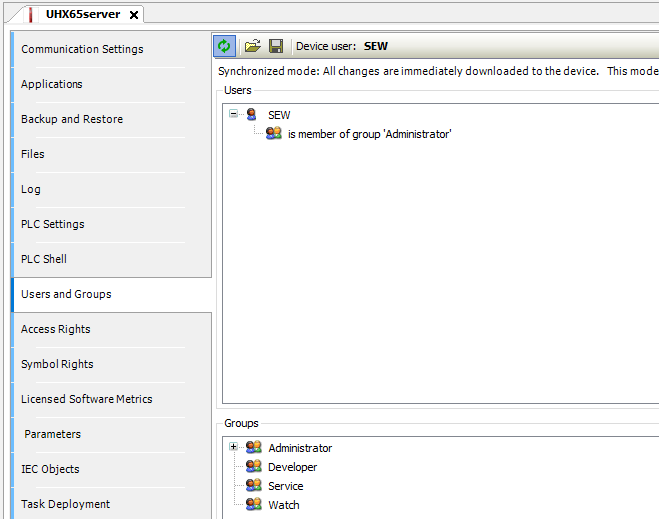
Create a user with password in the Users and Groups menu. Follow the example of the administrator group with the user SEW as a member.
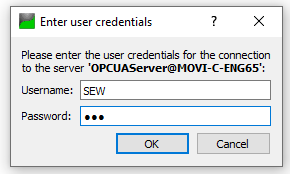
Switch the control off and back on again. The user logs on to the test client with user name and password and has access to the variable values again.
Additional symbol groups can be formed. Different user groups can read and write different variables.
For further information refer to the Codesys website.
