Setting scheduling mode
You can set scheduling mode under [Parameters].
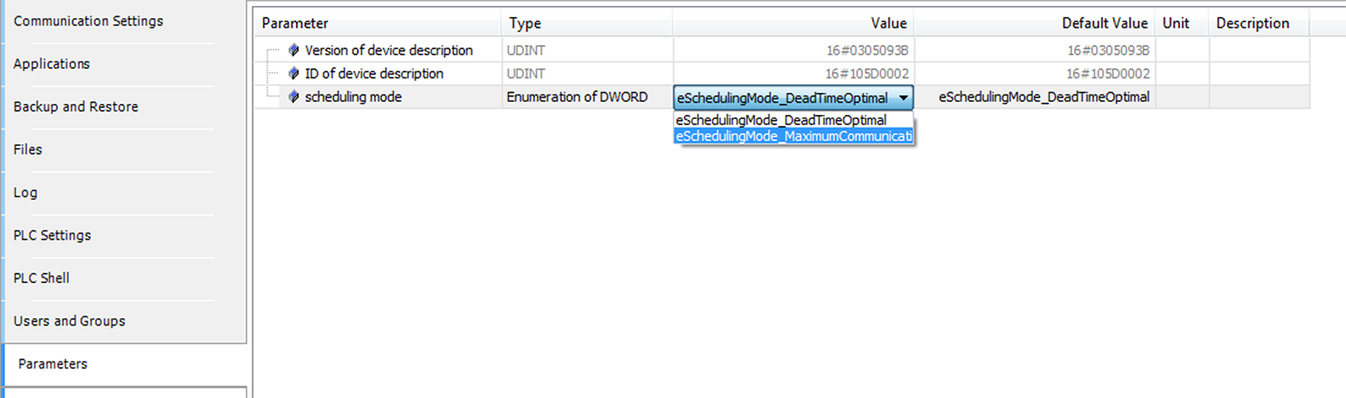

The following settings can be made:
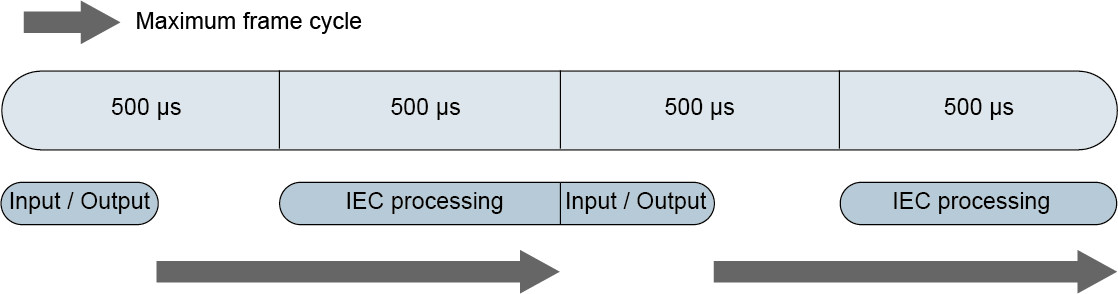
- Dead-time optimized mode
- Once the outputs of the process image have been written to the EtherCAT® frame, the inputs from the EtherCAT® frames are copied to the next PLC slot. The current data of theEtherCAT® frame are used for this purpose. This mode is suited for highly dynamic processes and is set by default.
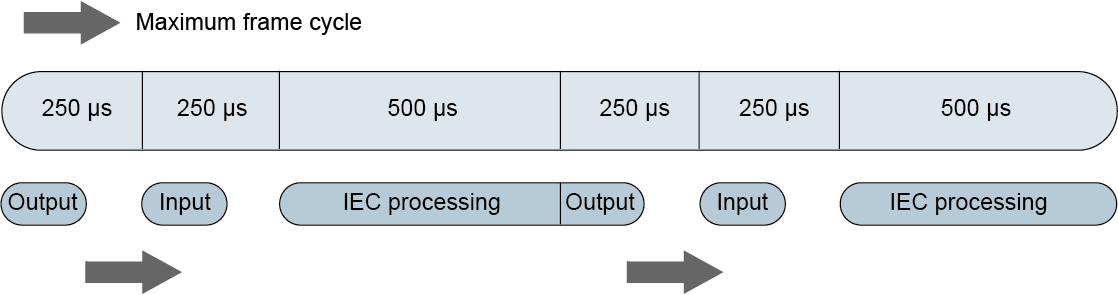
- Station-optimized mode
- Systems with a great number of stations result in a great amount of process data and consequently long EtherCAT® frames. Each frame needs time to receive and send a frame. In systems with many stations, this time has a significant impact. This is the reason why station-optimized mode is required for such systems.