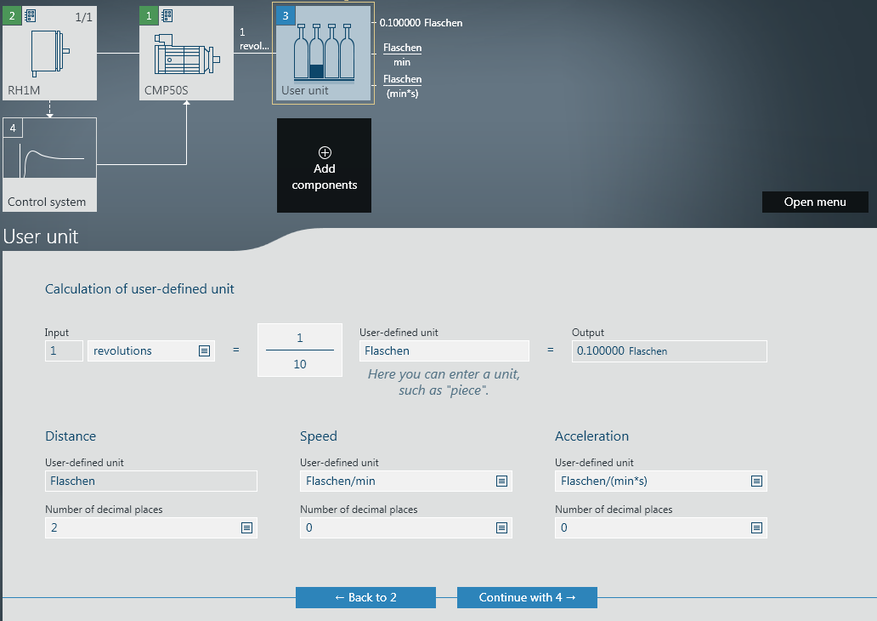
Adding components to the drive train
In the "Drive train" configuration menu, you can add additional components to the drive train for use and operation with the MOVI‑C® CONTROLLER.
- A drive train has been created and taken into operation.
- The configuration menu of a drive train is open.
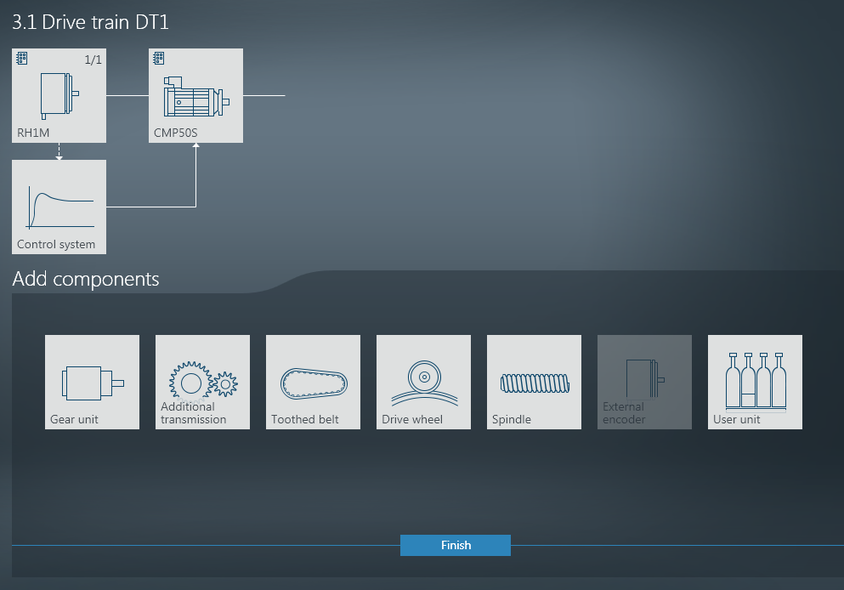
- In the overview of the drive train, click [Add components].
- This opens the menu for selecting and configuring the additional component.
- Double click the required additional component from the selection of components.
- The additional component is added automatically to the respective location in the overview.
- Click the component in the overview.
- The menu for configuring the component opens.
- Configure the additional component.
- Click [Next] to continue.

INFORMATION

To delete a component, click the "-" sign that appears on the component in the overview when you hoover over it with the mouse.
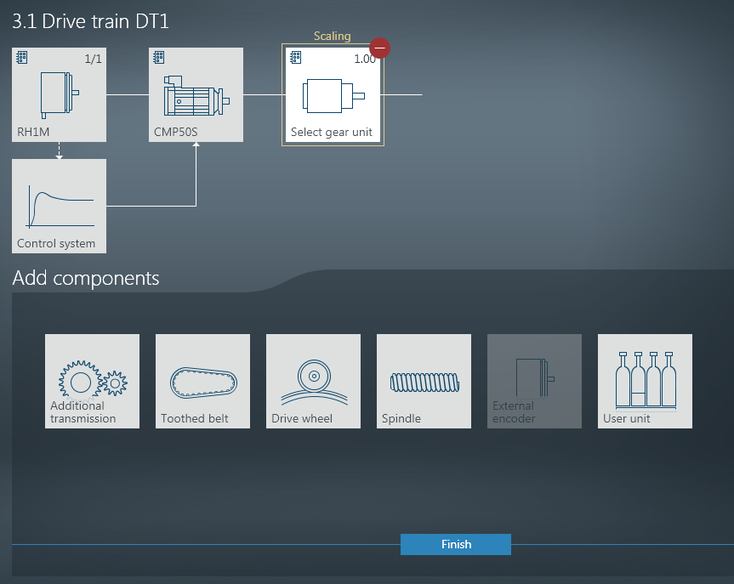
- You have now expanded the drive train by an additional component.
Additional information