Deactivating configuration state
- Configuration state is active.
- Open the context menu of the MOVI‑C® CONTROLLER in the MOVISUITE® project.
- From the "Tools" submenu, select the [IEC Editor] menu item.
- Compile (build) the IEC project, log in, download the project to the MOVI‑C® CONTROLLER, and then start the project. For more information, refer to the chapters Compiling (building) the IEC project and Login and download and Starting the IEC program.
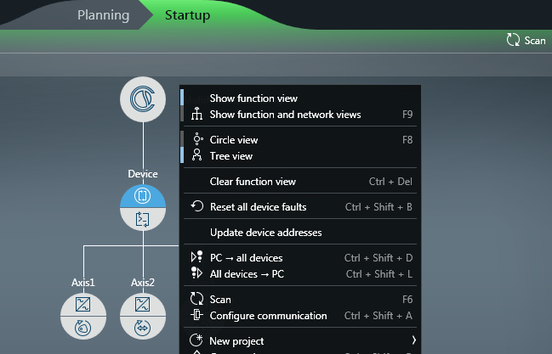
- In the MOVISUITE® project, click [Scan] on the toolbar, or open the context menu of the background and select the menu item [Update device addresses].