Network scan
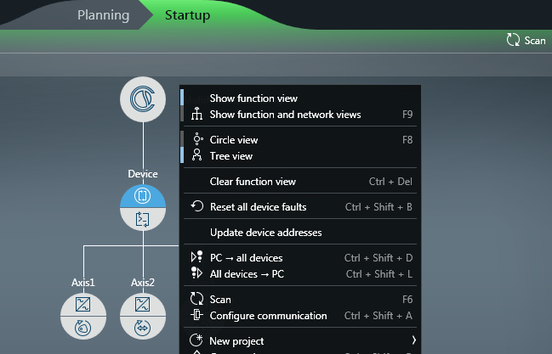
The network scan detects all the devices that can be addressed via the set communication interface. After completed network scan, the devices are displayed in the network view.
INFORMATION

The devices can only be scanned in "Startup" mode.
If the "New project from network scan" option is used, the devices will also be displayed in the function view. When the devices are displayed in the function view, you can synchronize the data sets. This means you can transfer the data sets of the devices to the PC and save them in the MOVISUITE® project. For more information, refer to the chapters "Device → PC" function and "All devices → PC" function.
Additional information