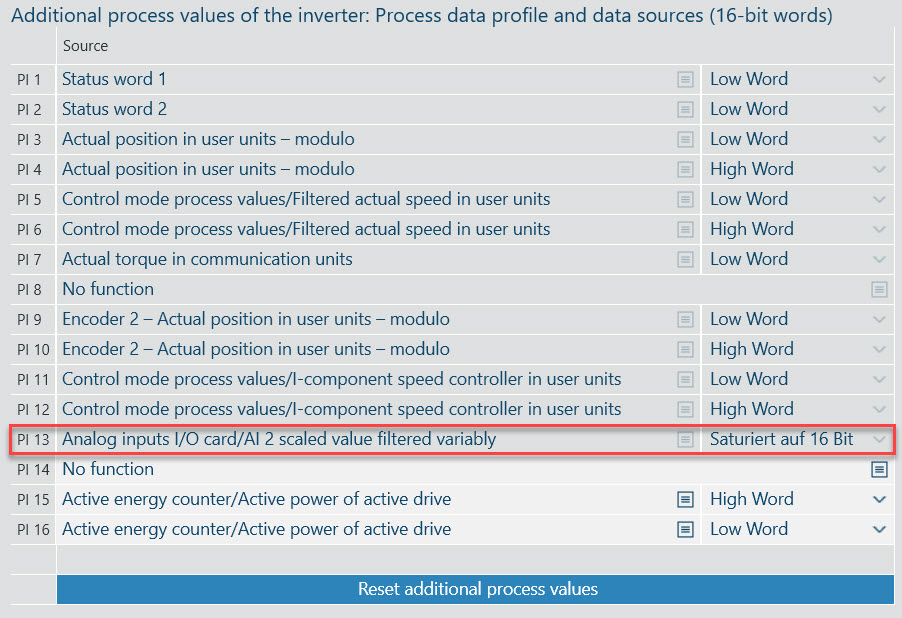
Activating the scanning of the analog value
- In the "Module configuration" > "Basic settings" configuration menu, activate the "Analog input AI2 for top drive" function under "Additional functions" and click the [Update configuration data] button.
- Set the option [±-10 V input] or [4-20 mA input] in the "Function" field in the "Analog input AI 2 (I/O card)" section of the "Additional function" configuration menu and click [Apply all suggested values].
- The analog value is output to PI 29 within the additional process data.