Adding a software module with the startup wizard
Adding MOVIKIT® TablePositioning Drive
INFORMATION

For detailed information on how to use the MOVISUITE® engineering software, refer to the corresponding documentation.
- A MOVISUITE® project has been created and the required node is open.
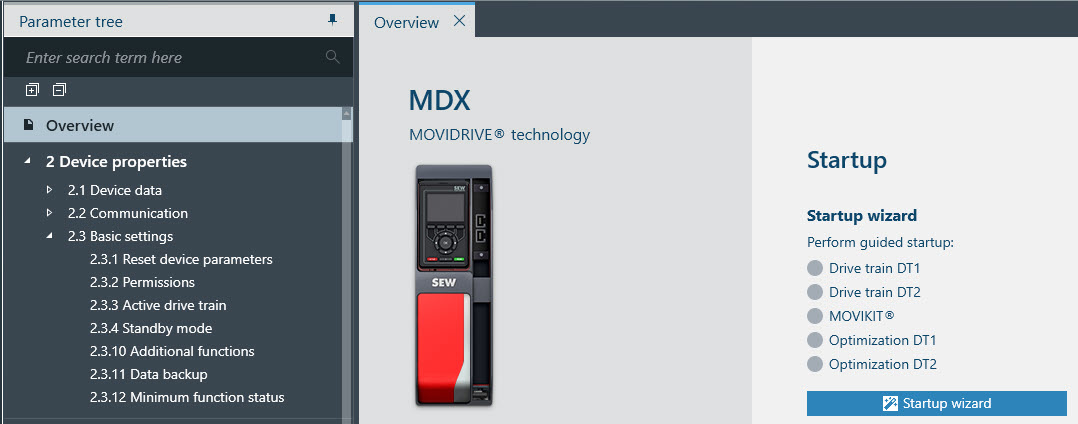
- Under Overview, click Startup wizard.
- The startup wizard opens in a new window.
- Follow the instructions.

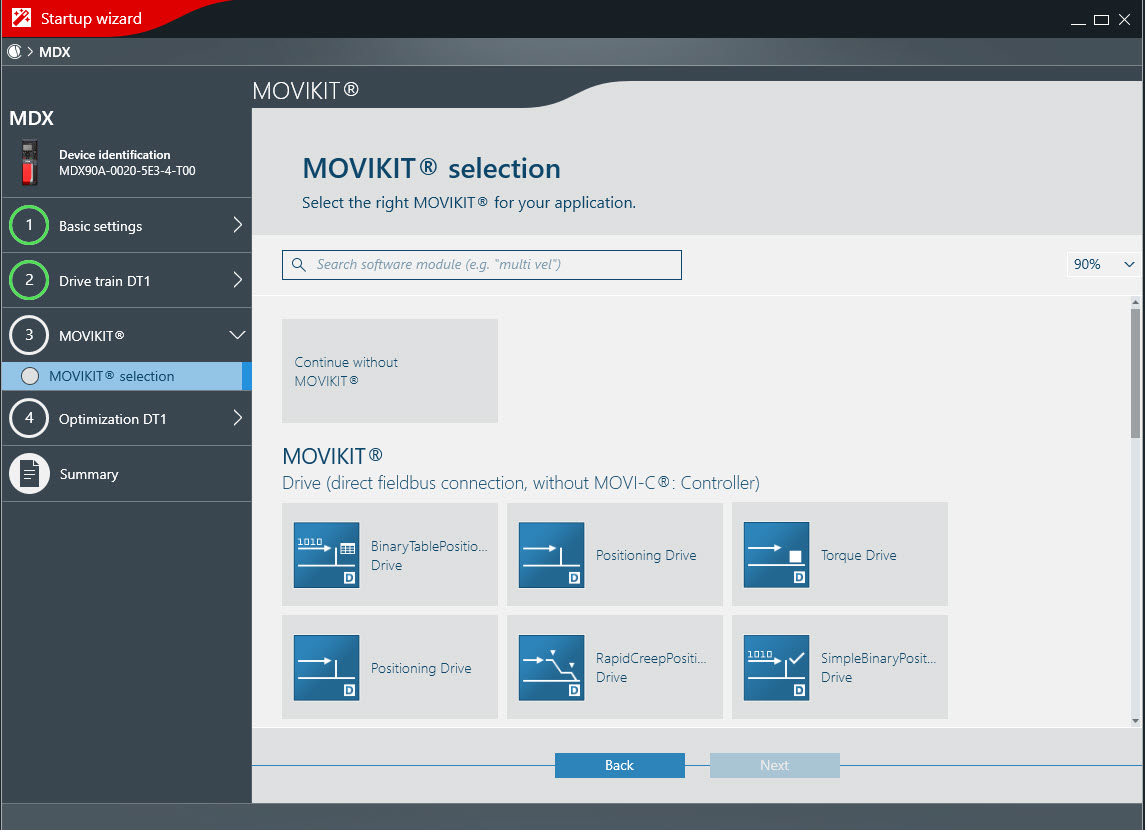
- Under the MOVIKIT® category, select the required software module and follow the instructions.
INFORMATION
