Installing the MOVIRUN® open Editor Installer
Proceed as follows to install the MOVIRUN® open Editor Installer:
- There is an Internet connection.
- The MOVIRUN® open Editor Installer has been downloaded.
- Unzip the downloaded ZIP file.
- Start the file
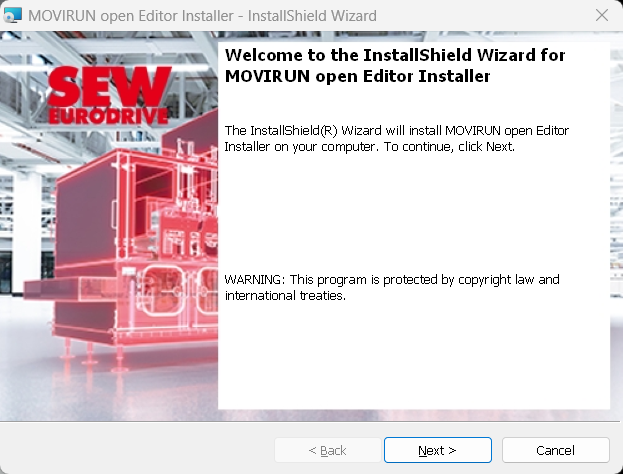
MOVIRUN open Editor Installer XXX.exe. - The installation wizard opens.
- Click the Next button.
- Read and accept the license agreement.
- Click the Next button.
- Click the Install button.
- To install the program, click the Finish button.
- The installation starts. This may take several minutes to complete.
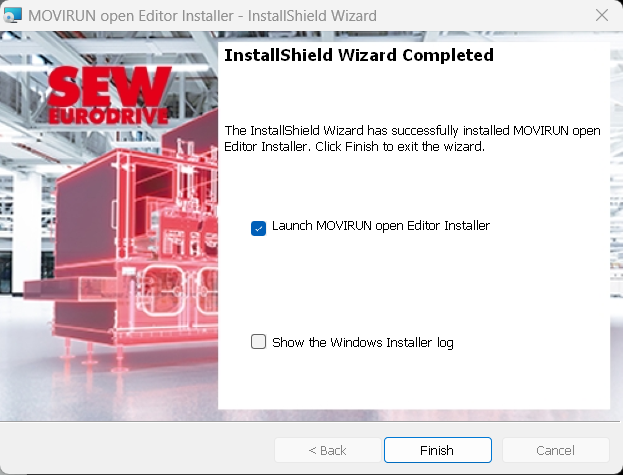
- When the installation is complete, the following window is displayed:
- Select the Launch MOVIRUN open Editor Installer check box and click the Finish button.
- The user interface of the MOVIRUN® open Installer is displayed.