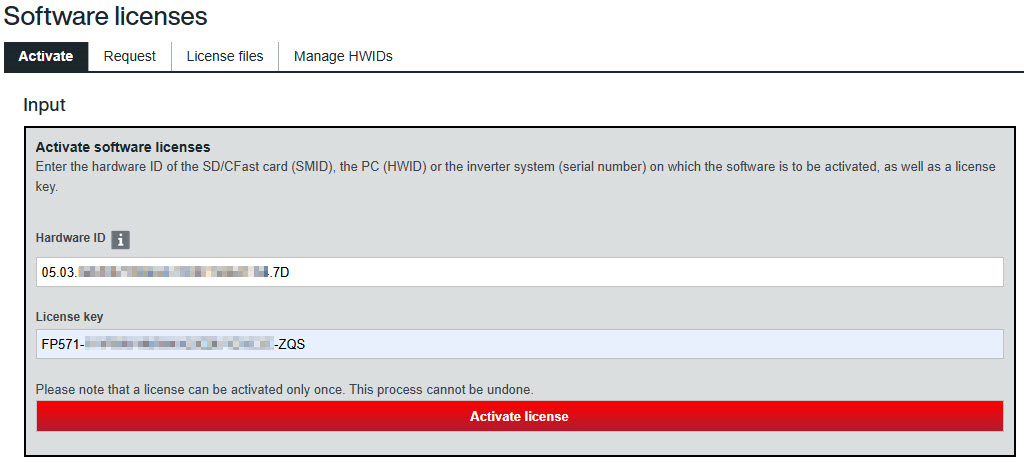
Activating a software license
- Open the "Software licenses" website in the SEW‑EURODRIVE Online Support (https://www.sew-eurodrive.de/os/licensing).
- On the "Activate" tab, in the "Hardware ID" field, enter your HWID from the step Creating a hardware binding file and installing it on the host system as well as your license key, and click the [Activate license] button.
- The activation of the software license on the HWID is displayed as the result.
- Click the [Create license file] button.