Creating a hardware binding request file
- You have installed the FMU licensing tool from the SEW-EURODRIVE website (Online Support > Data & documents > Software).
- Open the FMUlicensing tool.
- Click the [1. Get HWID request file] button.
- Save the hardware binding request file locally on your system.
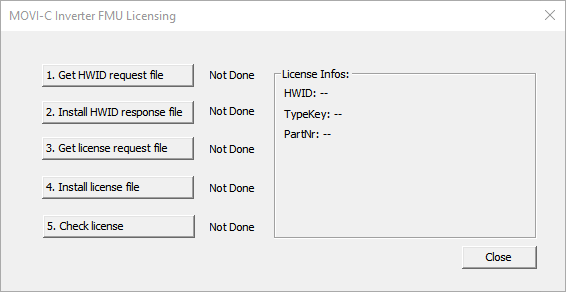

- The FMU licensing tool confirms a successful saving process with the message "OK".
