Loading the existing configuration into the device
Transfer a created configuration to an existing system as follows:
- In the offline system view, click the [Upload to System] button.
Alternatively, click the [Project-based startup] button in the start menu.
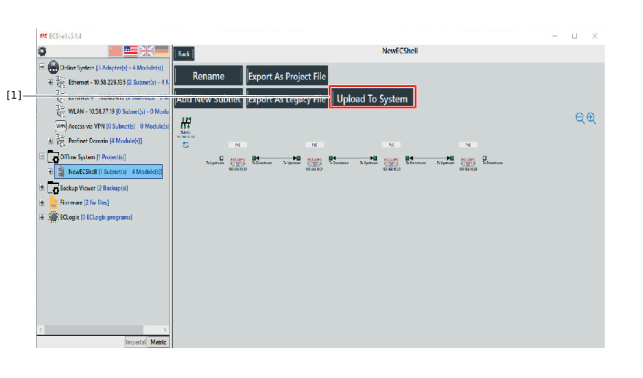

[1] | "Upload to System" button |
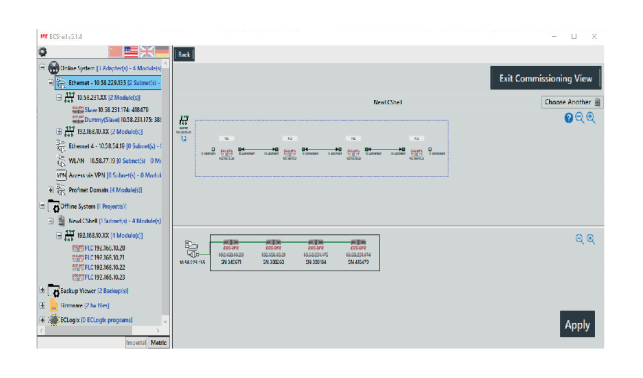
The project overview opens. Here is a representation of the offline system as well as the physically available system.
- Select the relevant modules and drag the selection to the lower area until a plus sign appears.
- After successful transfer, the changes are highlighted.
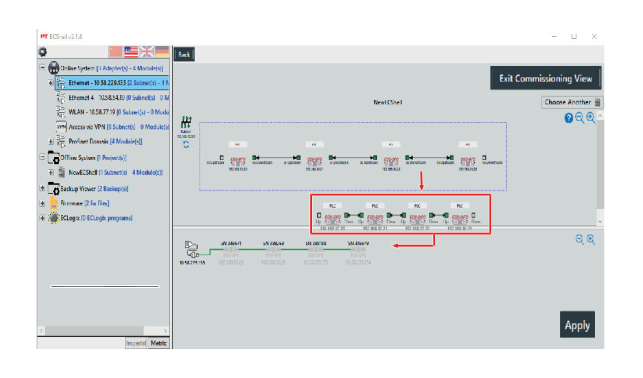
- Click the [Apply] button.