Auto configuration
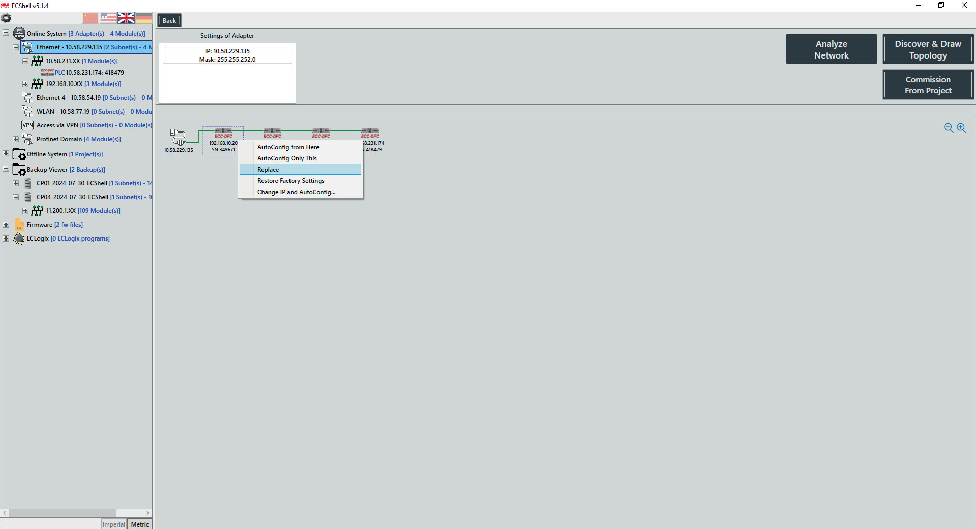
Proceed as follows to perform auto configuration:
- Switch to the network view.
- Click the [Display network topology] button in the tool menu.
- Move the mouse over the first module in the sequence.
- Right-click and perform the auto configuration.