Optimization monitor
The optimization monitor is used to operate MOVIKIT® MultiAxisController via manual operation and to optimize the control function. The optimization monitor can be activated in MOVISUITE® in the "Module configuration" > "Basic settings" configuration menu of the MOVIKIT® MultiAxisController under "Tools used". Via activation, the optimization monitor is added to the IEC project via the code generation, and afterwards the IEC project can be found in the application with the following name: "OptMonitor_%Name%" ("%Name%" is replaced by the issued name of the software node)

WARNING

Unexpected system behavior if the communication between PC and MOVI‑C® CONTROLLER is interrupted because the specified setpoints continue to take effect until the connection to the IEC Editor is interrupted automatically and the IEC Editor is logged off.
Death, severe injuries or damage to property
- In control mode, make sure that the drive can be stopped at any time by means of emergency off measures.
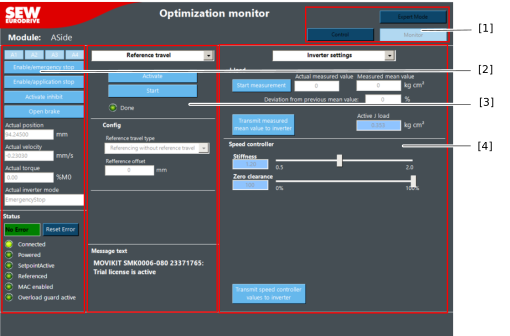

[1] | Selection of control or monitor mode and activation of expert mode
|
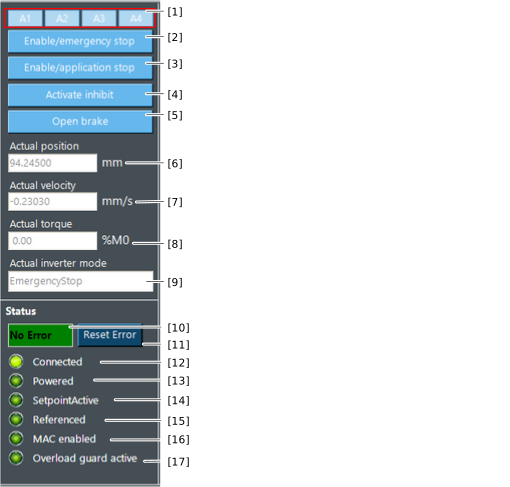
[2] | General control/status signals General status information such as the actual position or the actual torque or even control signals such as the enable signals |
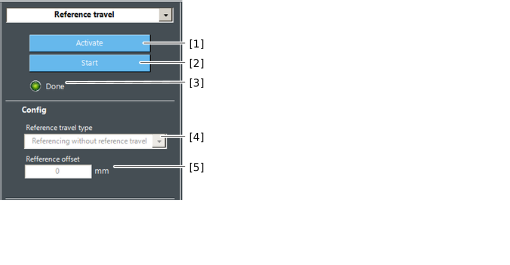
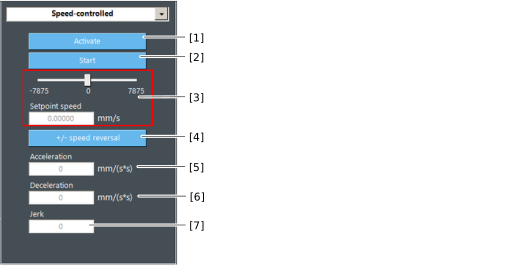
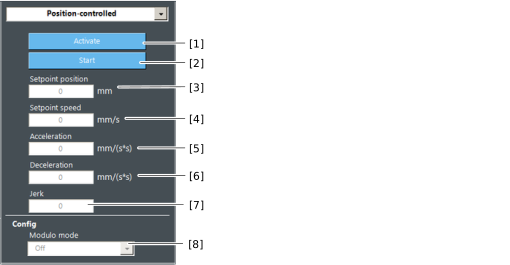
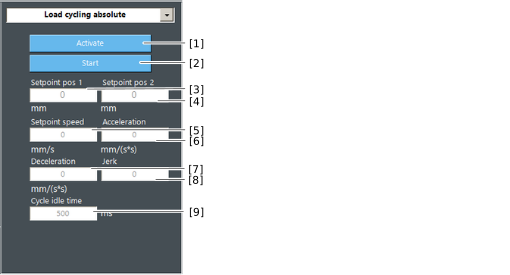
[3] | Configuration of the various travel options Referencing, speed setpoint, absolute positioning, load cycling |
[4] |
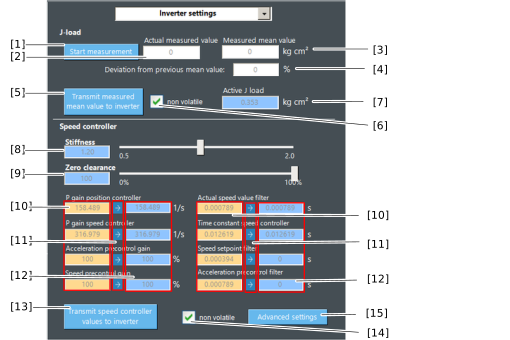
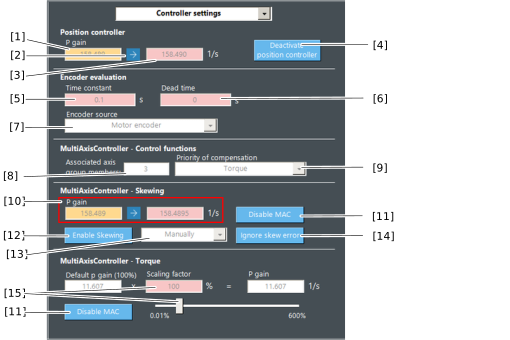
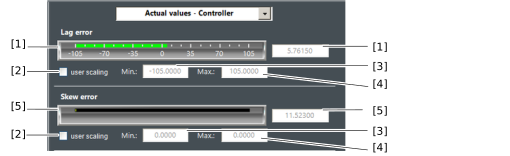
Functions for optimizing the software module in control mode. This provides the option to adjust both the control technology of the software module and that of the inverter. |