Adding devices to MOVISUITE®
The devices are detected during the network scan.
Proceed as follows:
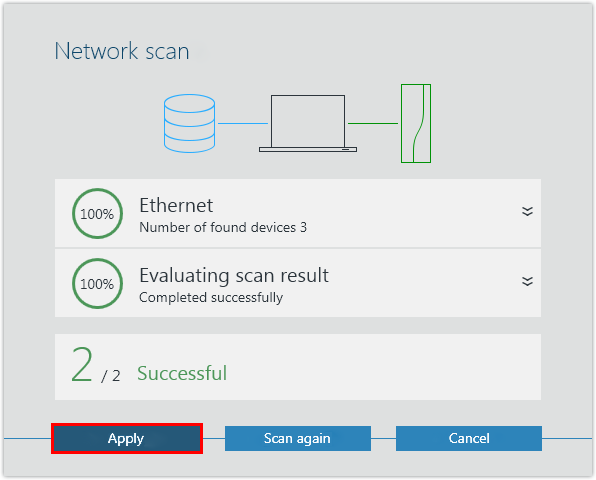
- You have started a network scan.
- Add the scanned devices to MOVISUITE®.
- Load the device data into the MOVISUITE® project. Confirm the message stating that the device data has been successfully applied.
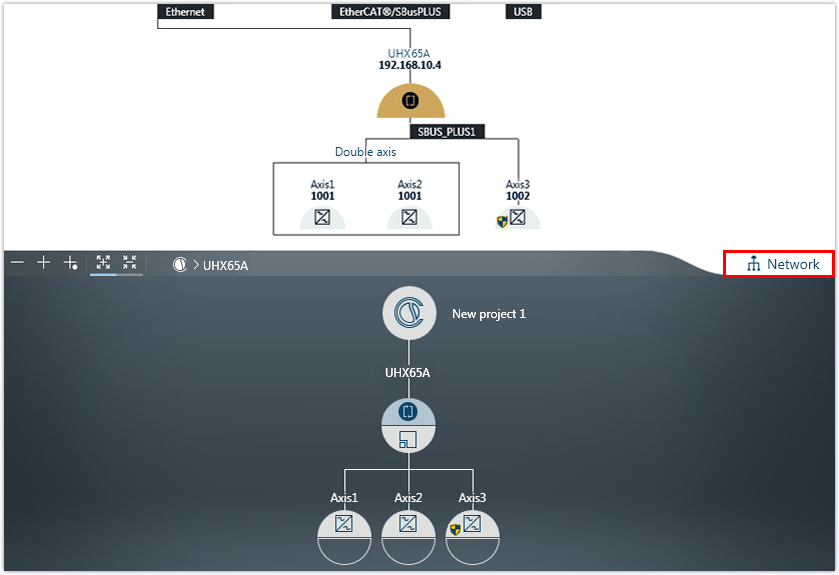
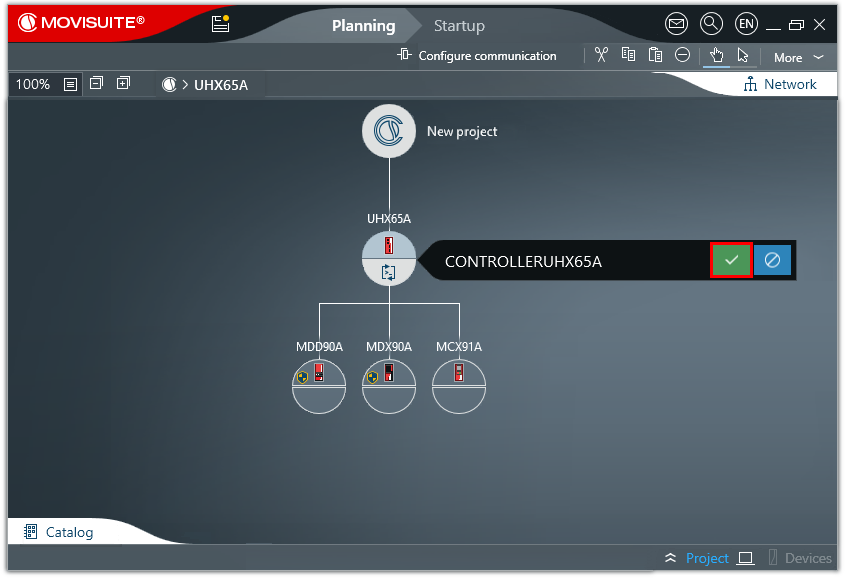
- The devices are displayed in one of the MOVISUITE® views. The display depends on the view you used when closing MOVISUITE® for the last time:
- The function view provides an overview of the entire project.
- The combined network and function view shows all connected devices detected during the network scan.
- To toggle between the MOVISUITE® views, click the "Network" tab.
- Enter a name for the controller. The controller will then be shown in the MOVISUITE® project under this name. This designation is also used automatically as the PROFINET device name. Observe the specific characteristics of the PROFINET device name (see PROFINET device name).
- Save the MOVISUITE® project.