Creating a project
- Open MOVISUITE® on your engineering PC.
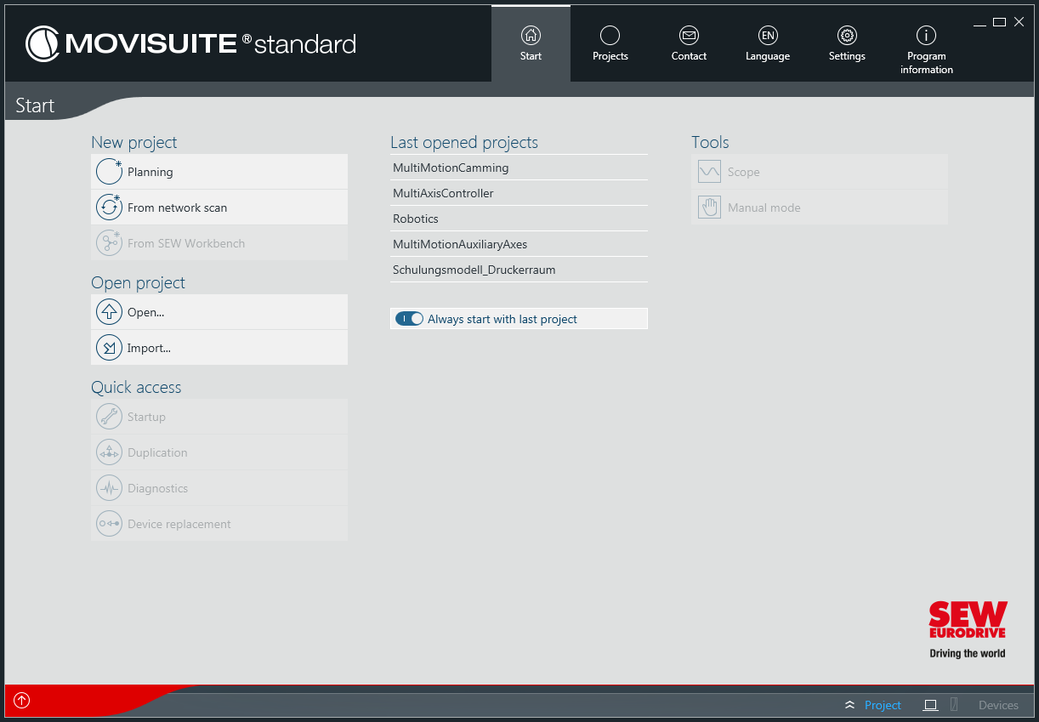
- If you create a MOVISUITE® project for the first time, the main menu will open. If you have already created MOVISUITE® projects, the last opened project will be displayed depending on the setting. In this case you have to open the main menu manually and select "Start".
- Under "New project" in the main menu, select [From network scan].

- A currently open project is closed and a new project is created.
- You are prompted to configure the communication interface.
