Installation
- Download the software from the Online Support section on the SEW-EURODRIVE website (www.sew‑eurodrive.com).
- Double-click the installation file
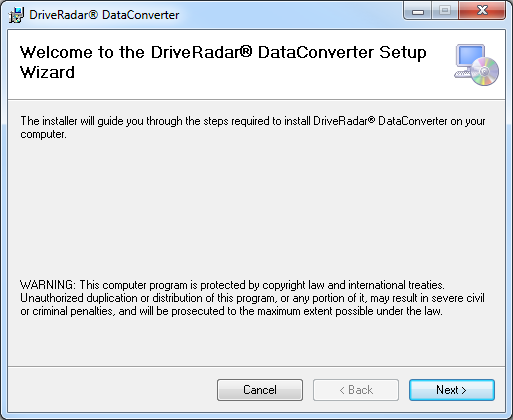
setup.exe. If your PC is not connected to the Internet, double click onDataConverterSetup.msi. - The installation wizard opens.
- Follow the installation wizard.
- After accepting the license agreement, selecting users and choosing the destination directory, the software is installed on the PC.
- Start the software.

INFORMATION

Aside from the program folders, files for configuration are created in the folder C:\ProgramData\SEW\DataConverter. To ensure proper functioning of the software, these files must not be deleted or moved. Make sure the signed in user has reading and writing rights for this directory.
- The software opens and is ready to use.
