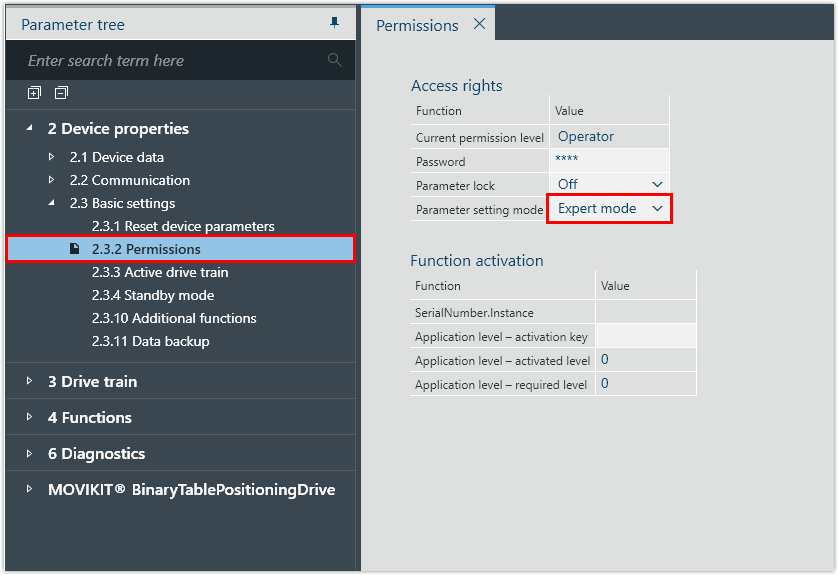
Setting the Expert mode
Proceed as follows:
- The inverter is supplied with line voltage and/or DC 24 V backup voltage.
- The inverter is connected to the respective addressing device via the engineering interface.
- Open the configuration of the inverter.
- Set the parameter setting mode by selecting [Device properties] > [Basic settings] > [Permissions].