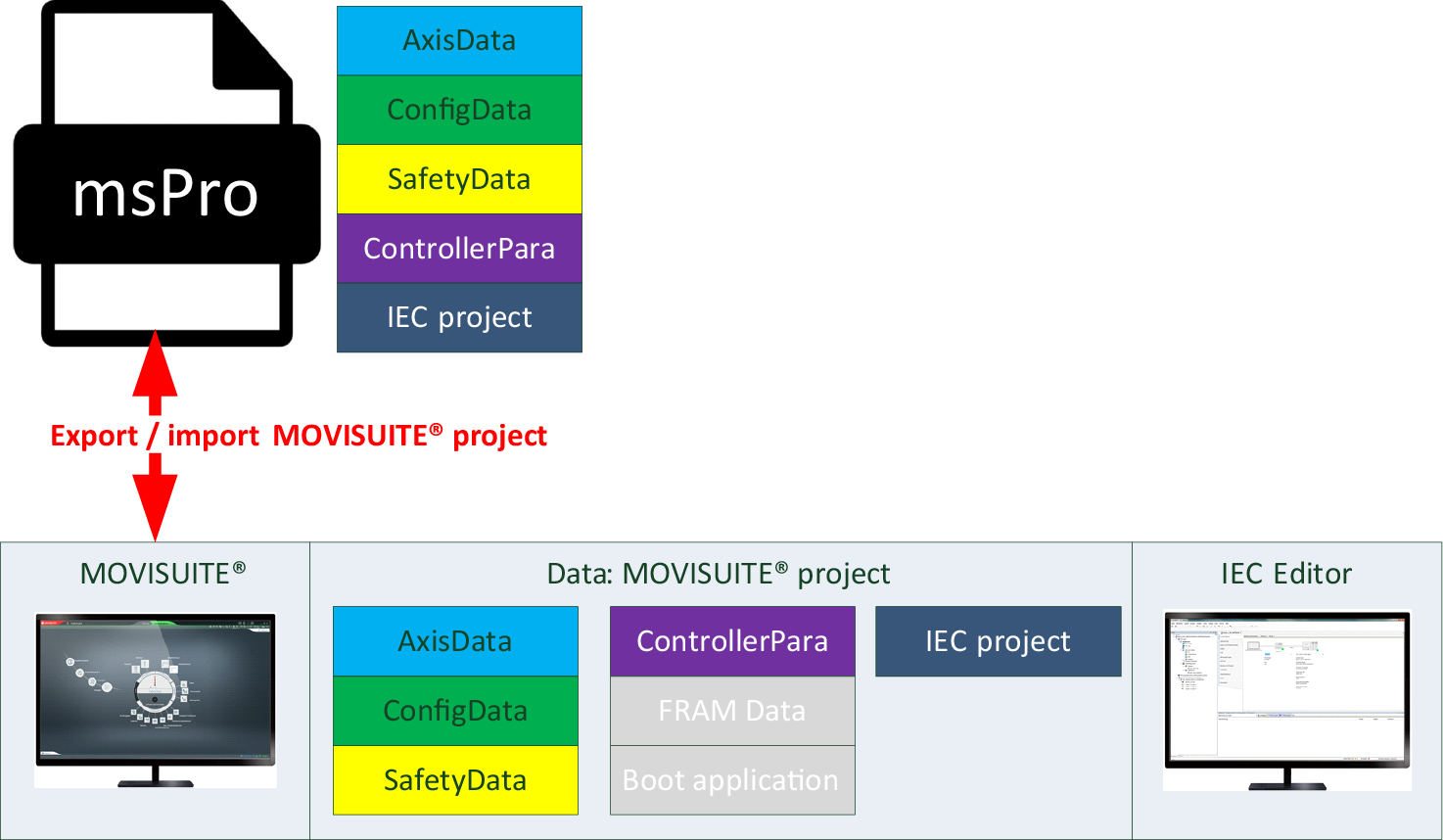
"Import project" function
The "Import project" function for MOVISUITE® projects is available in MOVISUITE® in the start menu on the "Projects" tab, and in the "More" menu under "Project".
Bear the following information in mind when using this function:
- Using the "Import project" function, you can use an export file to create a complete MOVISUITE® project as a new project in the MOVISUITE® project folder, where it is then opened. All the data relevant for MOVISUITE® and the IEC project are imported.
- To import all the libraries and device descriptions used in the original project to the IEC Editor, use the Restoring a MOVISUITE® archive function. Missing device descriptions are indicated by a red question mark in the device tree of the IEC Editor.