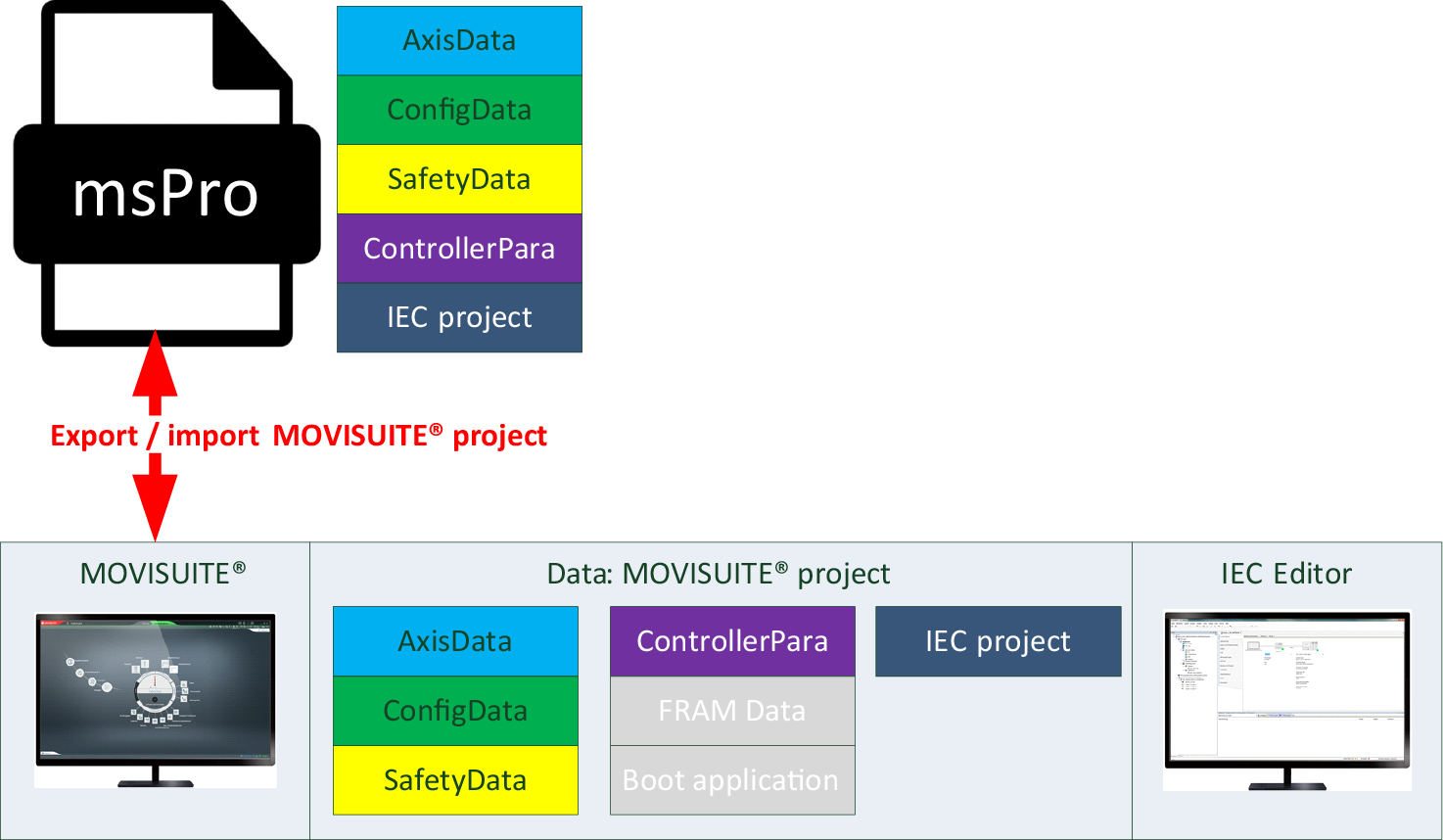
"Export project" function
The "Export project" function for MOVISUITE® projects is available in MOVISUITE® in the start menu on the "Projects" tab, and in the "More" menu under "Project".
Bear the following information in mind when using this function:
- An IEC project must exist to be able to export a project. This means you must have performed at least one save operation in the IEC Editor. The archive file is then created automatically when closing the IEC Editor or can instead be created in the IEC Editor by selecting [File] > [Project archive] > [Save MOVISUITE® archive]. See chapter Saving a MOVISUITE® archive.
- Using the "Export project" function, you can store a complete MOVISUITE® project as compressed file (MSPRO file) at any location. This export includes all the data relevant for MOVISUITE®, in particular the data necessary for transfer to another computer or user (library profile, download information files, referenced devices, visualization profile, referenced libraries).