Optimizing the drive train
- The configuration menu of a drive train is open.
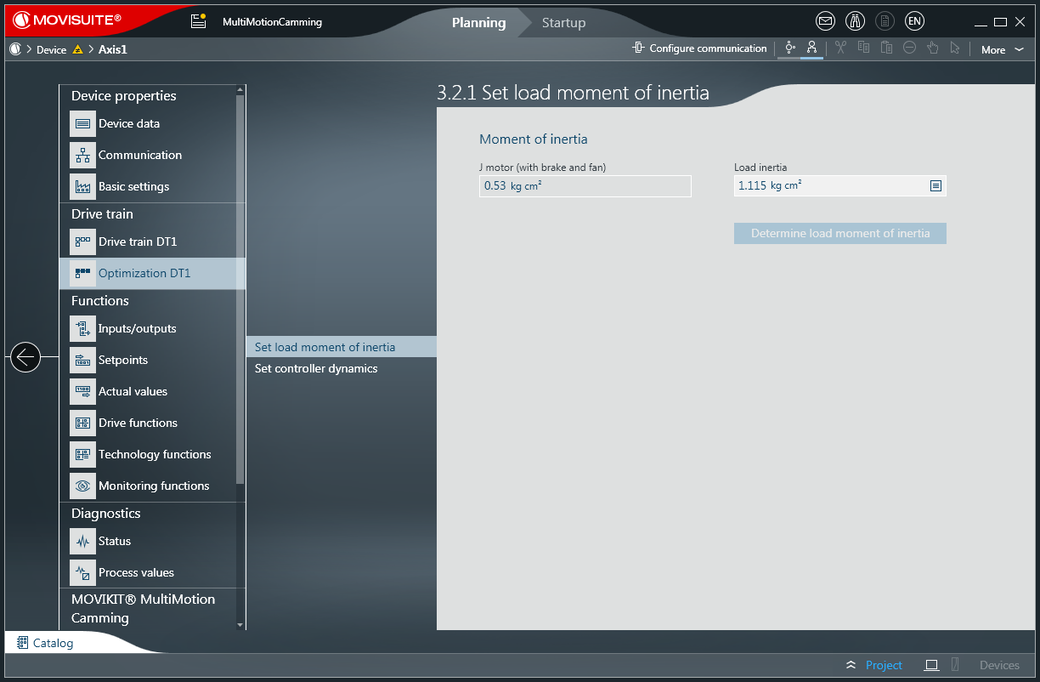
- In the "Drive train" or "Drive trains" submenu open the "Optimization DT1" menu.
- Open the [Set load moment of inertia] submenu.
- The "Set load moment of inertia" menu opens.
- Select the required value from the "Load inertia" drop-down list.
- Open the [Set controller dynamics] submenu.
- The "Set controller dynamics" menu opens.
- Set the required value using the sliders for "Stiffness of the control system" and "Zero clearance".