"Update IEC project" function
The "Update IEC project" function is available in MOVISUITE® in the configuration menu of the MOVI‑C® CONTROLLER in the "IEC project" submenu, and in the context menu of the MOVI‑C® CONTROLLER node in the function view.
Bear in mind the following information when using this function:
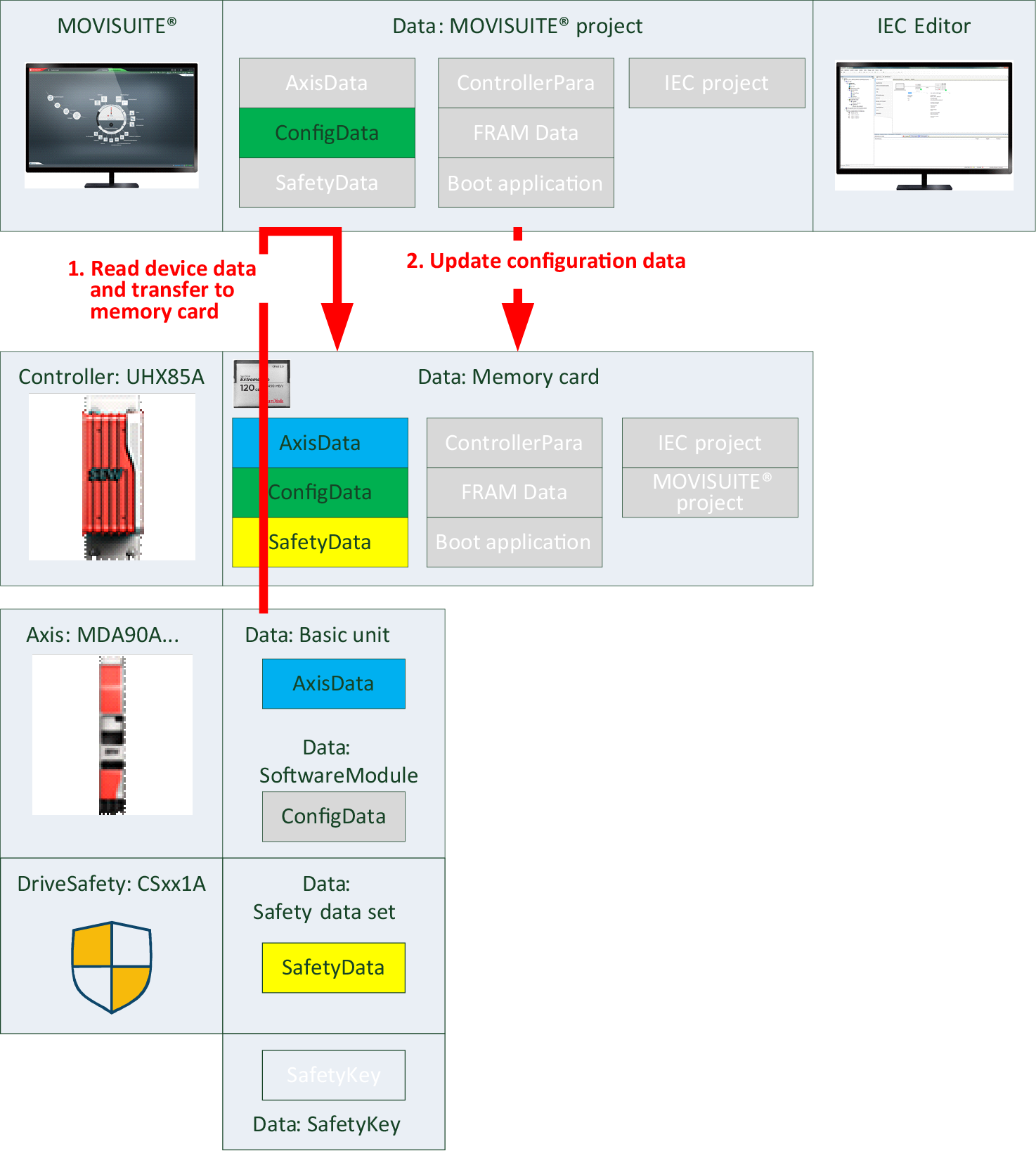
- The "Update IEC project" function requires that the "Update configuration data" function is performed first. The IEC Editor is then opened and the IEC project in the IEC Editor is updated with the MOVISUITE® project data.
- The user program is retained.
- To have the program start again automatically after restart of the MOVI‑C® CONTROLLER, you have to perform the "Create boot application" function in the IEC Editor.