Starting up the virtual axis
- A MOVISUITE® project with a virtual axis has been created and is open.
- In the function view of MOVISUITE®, click the node of the virtual axis.
- The configuration menu of the virtual axis opens.
- Adjust the configuration of the virtual axis as needed in the configuration menus described in the following.
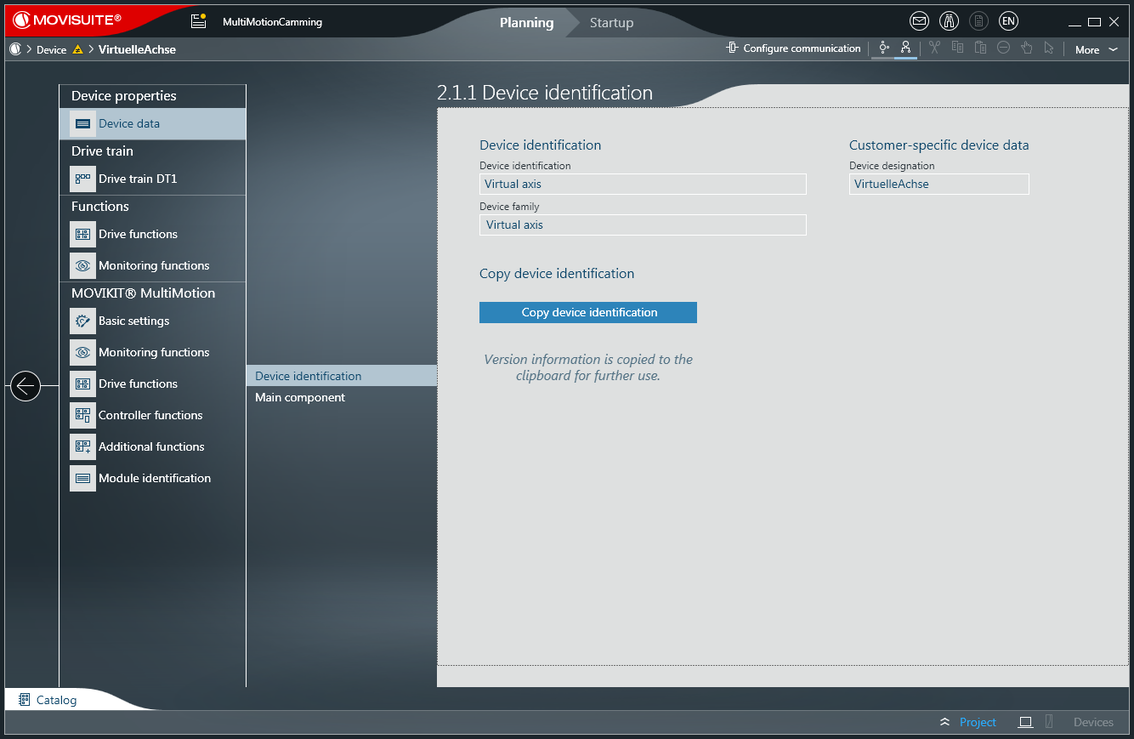

The configuration menu of the virtual axis contains the following submenus:
- Device data – Description of the virtual axis. This is where you can see the customer-specific device designation.
- Drive train DT1 – The virtual axis supports exactly one drive train. This drive train contains only the "user units" component.
- Drive functions – Only a small range of functions is available here compared to a real axis (inverter).
- Monitoring functions – Limit switches and limits of the virtual axis. The limit switches are taken into operation in the MOVIKIT® MultiMotion software module.
- MOVIKIT® MultiMotion software module – The MOVIKIT® MultiMotion software module can be taken into operation as described in chapter Starting up MOVIKIT® software modules.
