Optimization monitor

WARNING

Unexpected system behavior in control mode if the communication between the engineering PC and MOVI‑C® CONTROLLER is interrupted (e.g. due to disconnection of the Ethernet cable) because the specified setpoints (up to 30 s) continue to take effect until the connection to the IEC Editor is interrupted automatically and the IEC Editor is logged off.
May result in death, severe injuries or damage to property
- In control mode, make sure that the drive can be stopped at any time by means of emergency off measures.
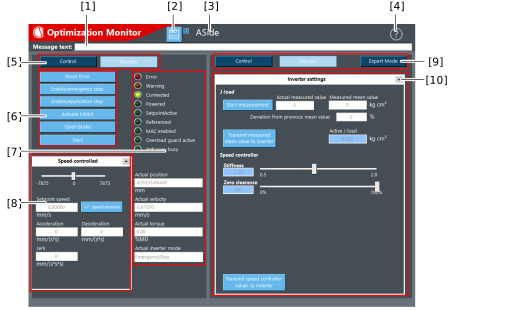
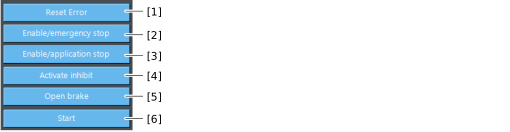
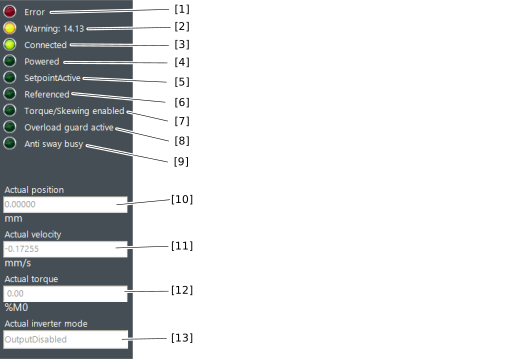
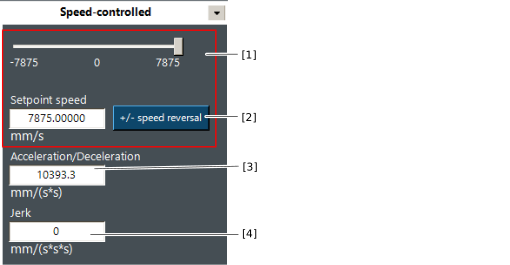
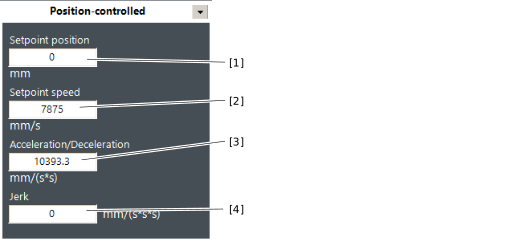
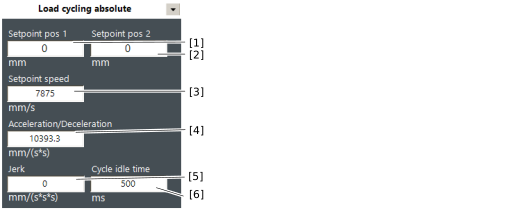
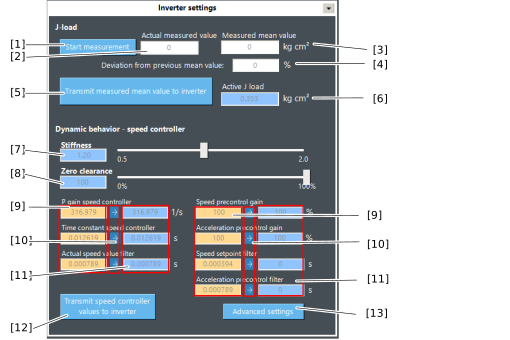
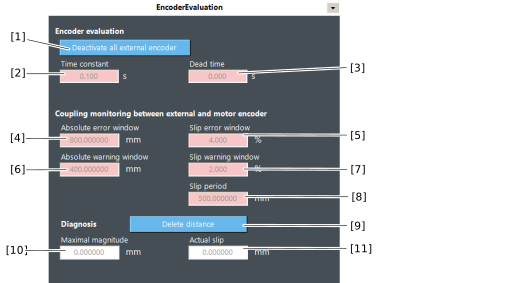
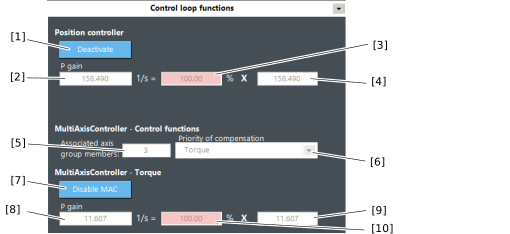
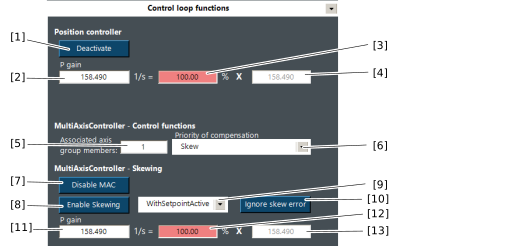
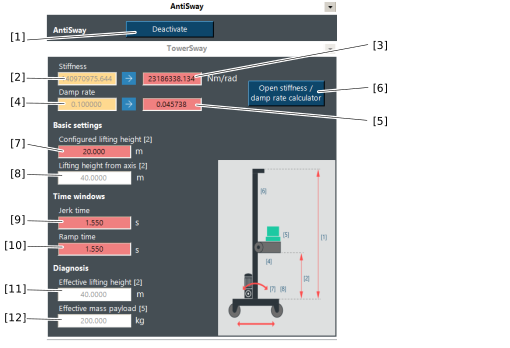
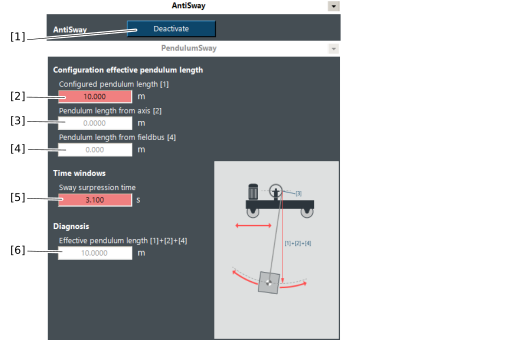
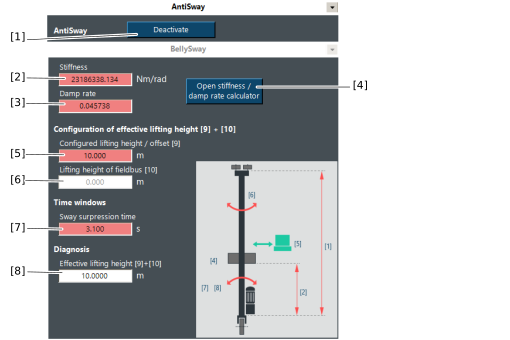
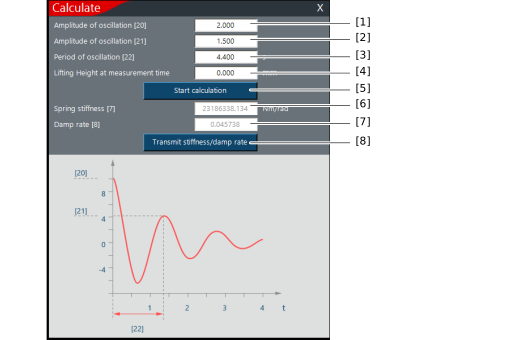
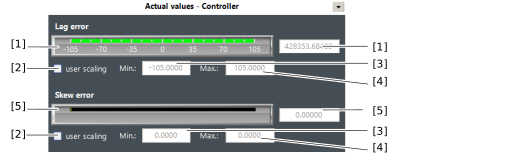
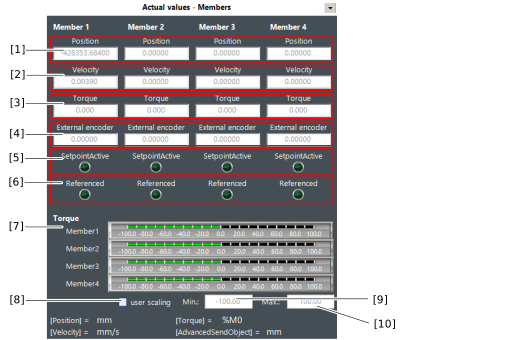
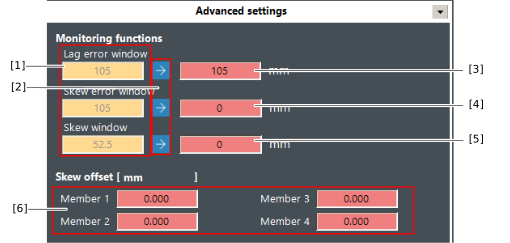
The optimization monitor is used to operate the software module via manual operation and to optimize the control function. The optimization monitor can be activated in MOVISUITE® in the "Module configuration" > "Basic settings" configuration menu software module under "Tools used". By activating this, the optimization monitor is added to the IEC project via the code generation and can then be found in the IEC project under the application with the following name: "OptMonitor_%Name%" ("%Name%" is replaced by the issued name of the software node)
For an application example for performing an optimization using the optimization monitor, refer to chapter Controller optimization with combined encoder evaluation.
Additional information