Using the MOVISUITE® License Manager
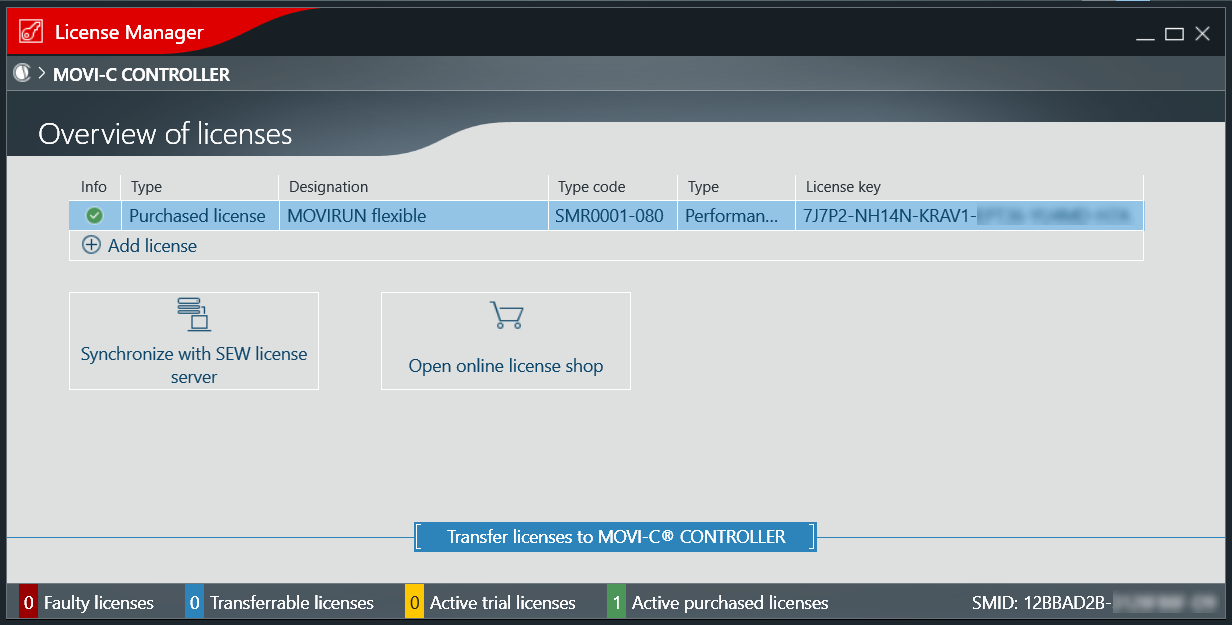
You can check the license status of MOVIKIT® software modules on a MOVI‑C® CONTROLLER using the MOVISUITE® License Manager.
- MOVISUITE® is in the Startup work phase.
- The MOVI‑C® CONTROLLER is switched on and connected to the engineering PC.
- Right-click to open the context menu of the MOVI‑C® CONTROLLER.
- Click the menu item [Tools] > [License Manager].
- The License Manager opens and displays the existing software licenses and their status.