Dashboard
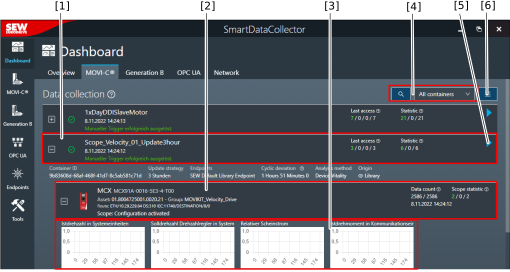
The start screen of the software is the "Dashboard". The different tabs show the current status as well as diagnostics values for the data flow.


The individual tabs contain the following information:
[1] Overview
- All active data containers
- All events and the event rate
- Current, maximum, and average data transmission rate
- Notifications regarding all the actions performed by the software
- (e.g. asset ID of devices changed, time of most recent device scan)
[2] Devices (MOVI-C®/Generation B/OPC UA)
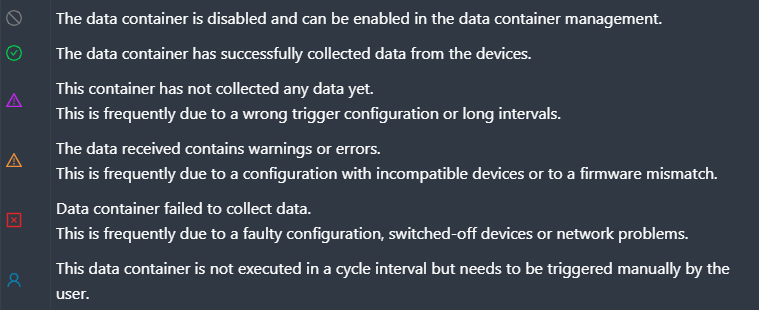
- Status and last data of the respective data containers (scope and parameters)
- Error and success messages of the respective devices
- Display of connected devices, device components, and servers
[3] Network
- Network statistics with details regarding the data transmission rate as well as the current, maximum, and average network load of the selected network adapter
- Statistics endpoints (successful/faulty)
- Data container statistics (successful/faulty)
Additional information