Requirements in the IEC Editor
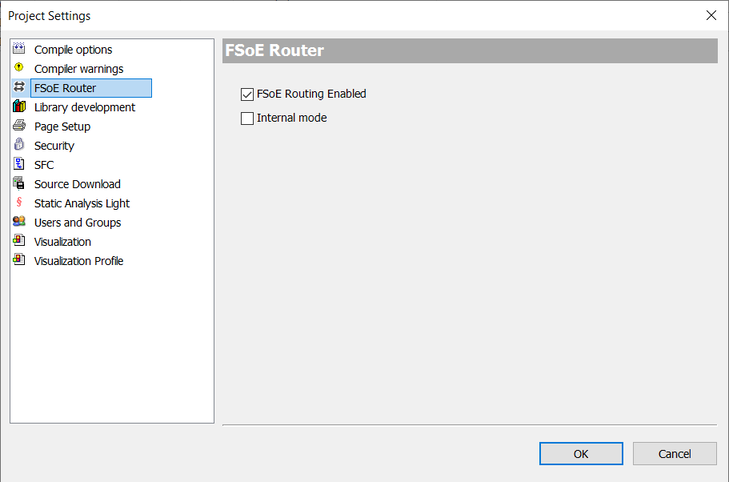
In order to use Safety over EtherCAT® communication between the Safety over EtherCAT® main device module SCU and the safety options in the inverter, it is necessary to activate this in the project settings in the IEC Editor.
Proceed as follows:
- Create or open a corresponding IEC project or MOVISUITE® project.
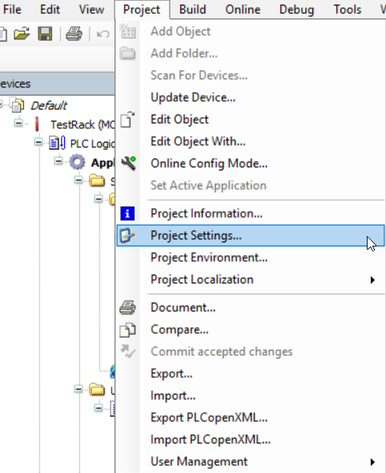
- Click the [Project] > [Project Settings] menu item in the IEC Editor.

- Under "Project Settings", select the "FSoE Router" entry. In the "FSoE Router" window, activate the "FSoE Routing Enabled" check box and confirm your setting with [OK].