Procedure 1: Create, instantiate and search declarations
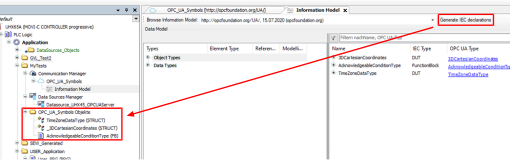
- Open the object added in the device tree with the OPC UA information model stored.
- Drag and drop the object and data types to be used in the project from the list with all object and data types in the left column to the right column.
- Click [Generate IEC declarations].
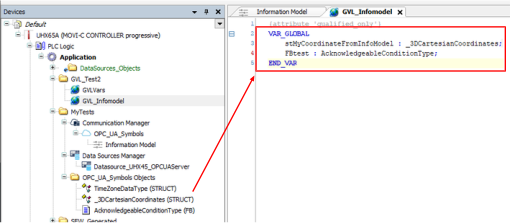
- The selected object and data types are added as objects in the device tree.
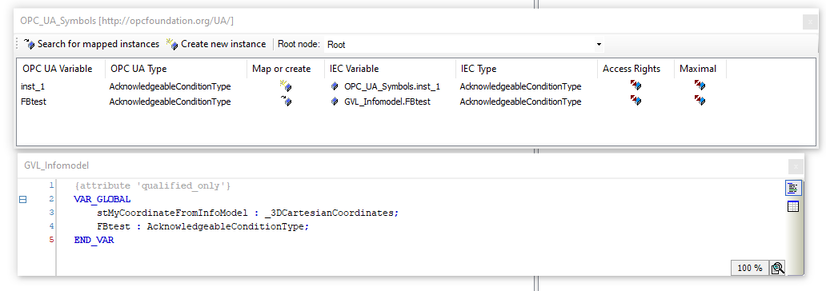
- Instantiate the selected object and data types.
- Search for the mapped instances shown and insert the instances mapped in the table using [Search for mapped instances].
- The function block can be used in the program.