Storing OPC UA information model
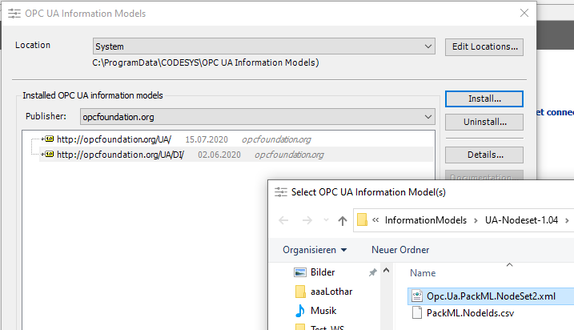
If the OPC UA information model to be used is not yet installed, it can be installed in the IEC Editor (or in CODESYS) as follows:
- The IEC Editor or CODESYS is open.
- Open the [Tools] > [OPC UA Information Model Repository...] menu.
- Click [Install...]
- The "Select OPC UA Information Model(s)" dialog box is displayed.
- Select the XML file with the OPC UA information model and click [Open].

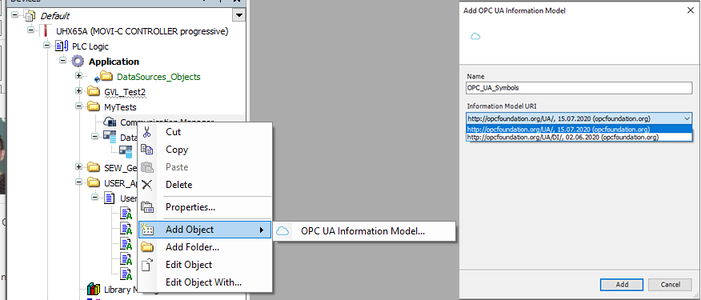
If the "Communication Manager" object is included in the application, an OPC UA information model can be stored from the repository by means of an XML import as follows:
In the context menu of the "Communication Manager" object under "Add Object", open the entry "OPC UA Information Model..." and select the XML file with the OPC UA information model in the "Add OPC UA Information Model(s)" dialog box.