Configuring a fieldbus option
- A MOVISUITE® project has been created and is open.
- In MOVISUITE®, open the configuration of the MOVI‑C® CONTROLLER.
- Under "Device properties", open the submenu "Communication".
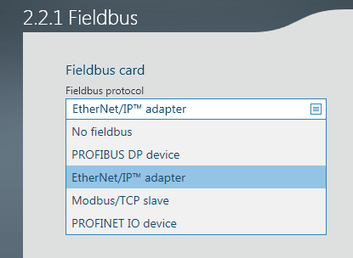
- In the "Fieldbus card" section, select the fieldbus option used from the "Fieldbus protocol" drop-down list.
- Return to the function view of the MOVISUITE® project.
- Open the context menu of the MOVI‑C® CONTROLLER and select [Update IEC project].
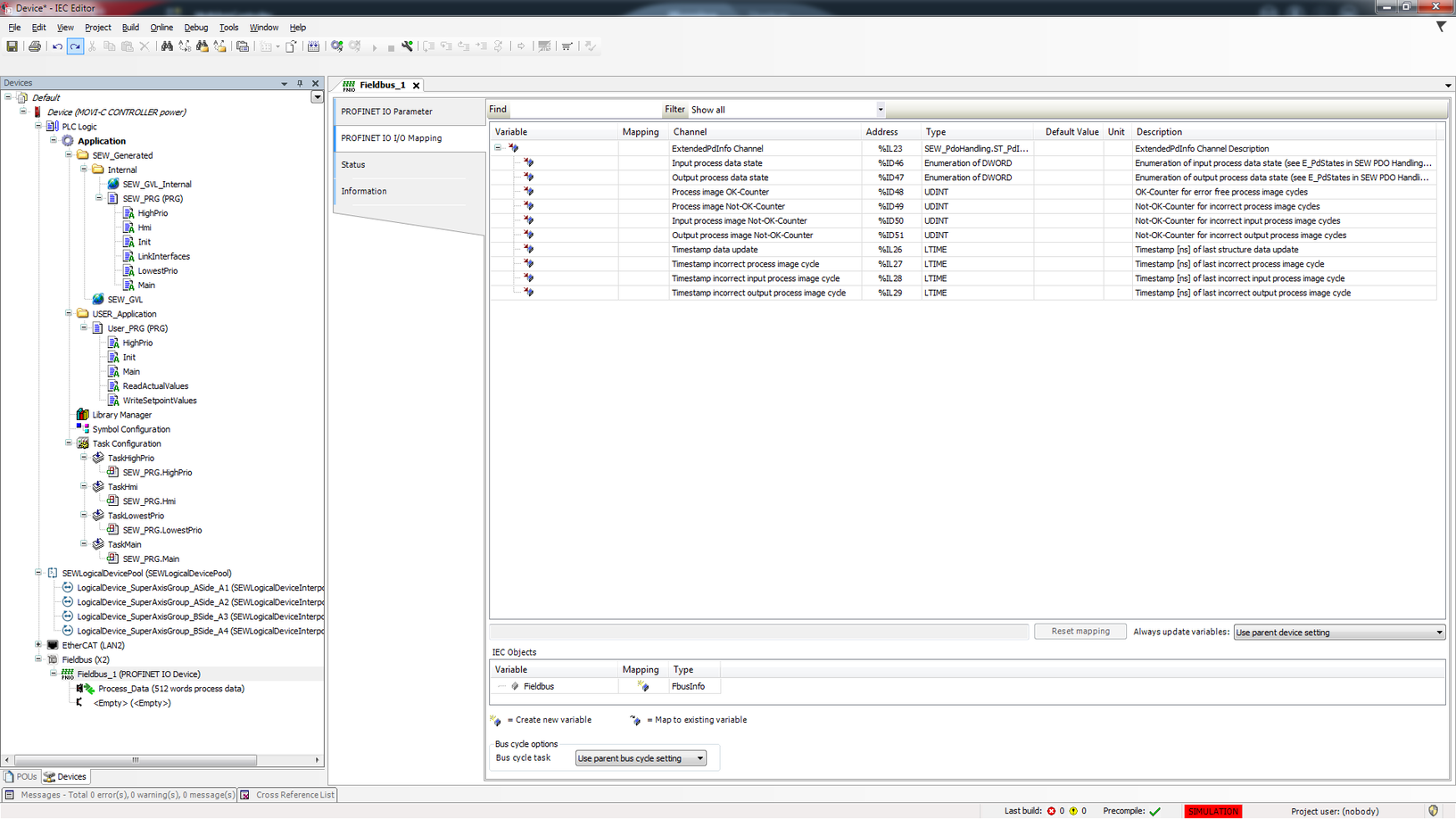
- The node "Fieldbus ([Fieldbus name])" is added to the device tree in the IEC project. This node can be used to configure fieldbus parameters. Double clicking the node opens the following tab:
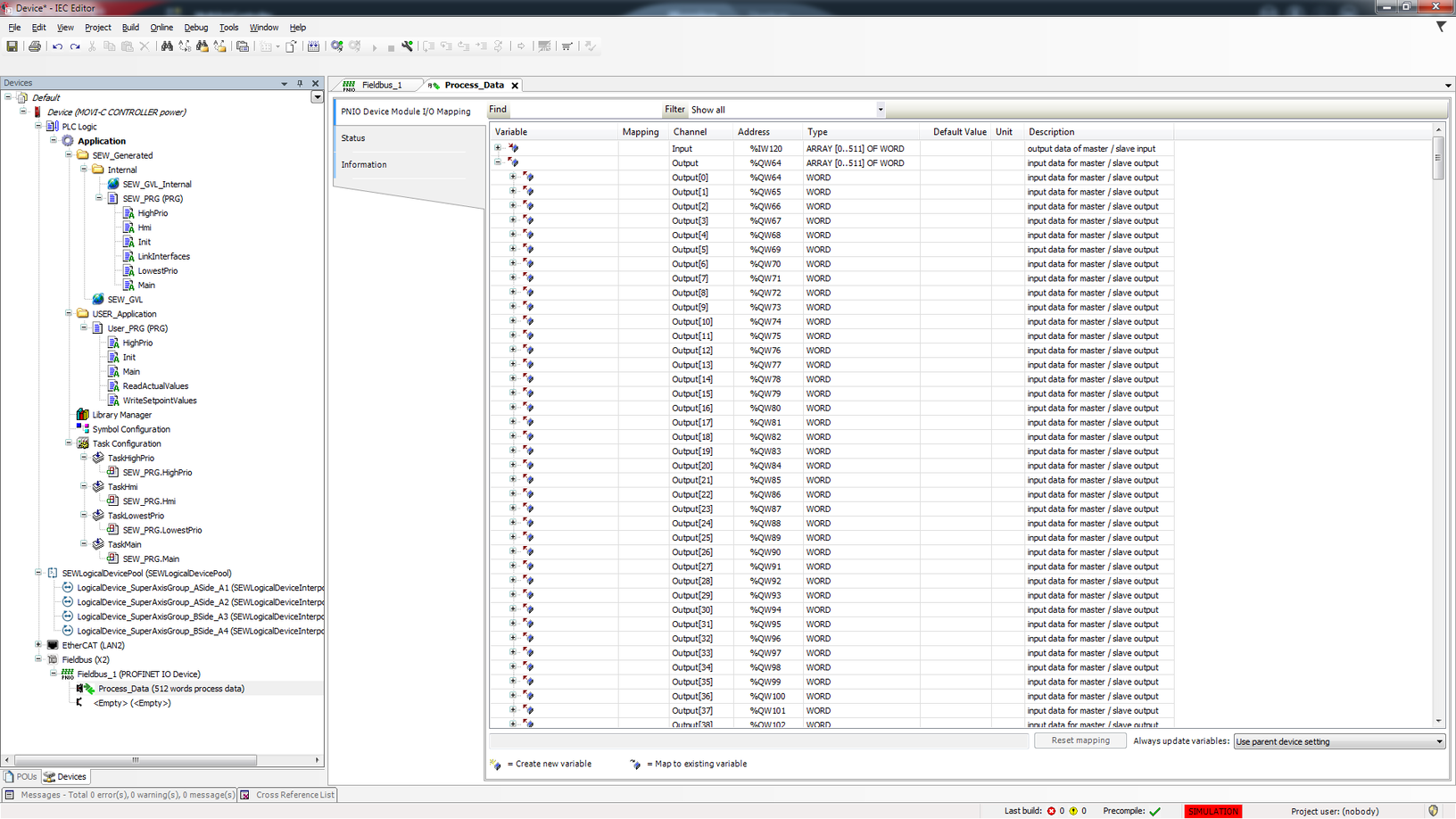
- The process data image can be monitored via the lower-level node "Process_Data (512 process data words)" Double clicking the node opens the following tab: